Power Connection
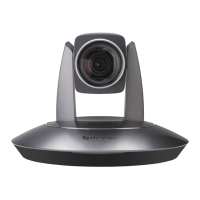
1. Connect power adapter supplied together
with the camera to power source, after
powered on, camera’s power indicator
lights up, the camera will start self-testing,
after finished, camera moves to Home
position.
Note
If preset 0 has been saved, after
powered on, camera moves to
preset 0 automatically; if preset 0
has not been saved, after powered
on, camera moves to Home
position, where both pan and tilt
angle is zero and zooming time is
1x.
2. Use remote control to turn on / off camera
Once camera started successfully, in
None-menu status, the Power button
can be used to turn on /off the camera.


 To Next Page