28 Installing the Interactive Whiteboard
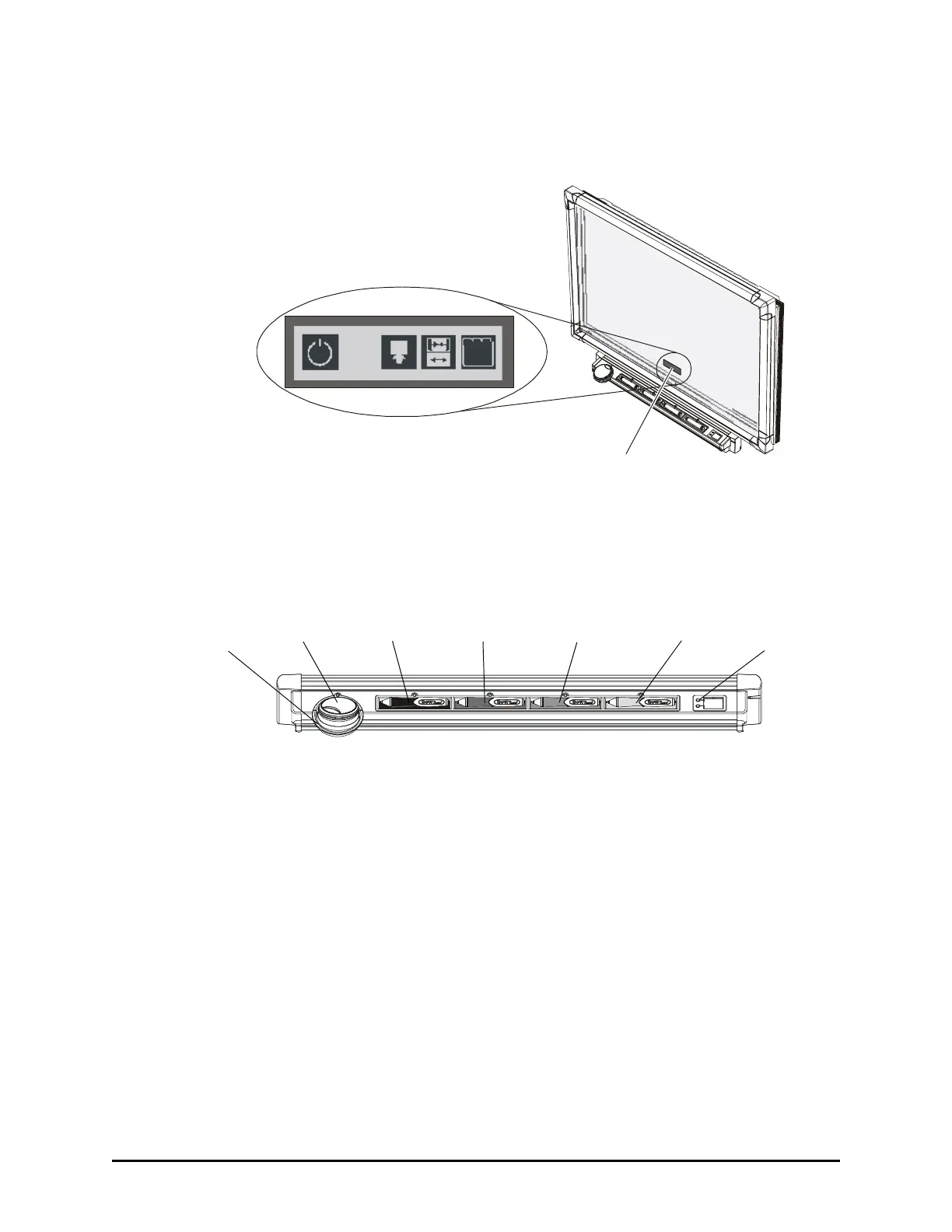
Position this strip as close to the bottom of the frame as you can (in the black border),
and center it on the interactive whiteboard, as shown. You can’t position the strip at
any other location.
For information on using the Display Control icon strip, see page 34.
You must also connect the provided RS-232 cable to your flat-panel display and the
computer (page 31).
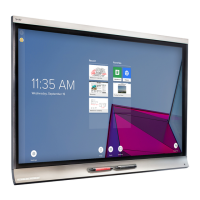
4. Equip the pen tray by attaching the eraser cup, and then placing the eraser and the
four pens in the appropriate locations.
Centered at Bottom of Overlay
Pen Tray
Buttons
Green Pen
Red Pen
Blue PenBlack Pen
Eraser
Eraser
Cup





 To Next Page