Hussar Robot Chassis Manual
Smart Restaurant Solutions 30
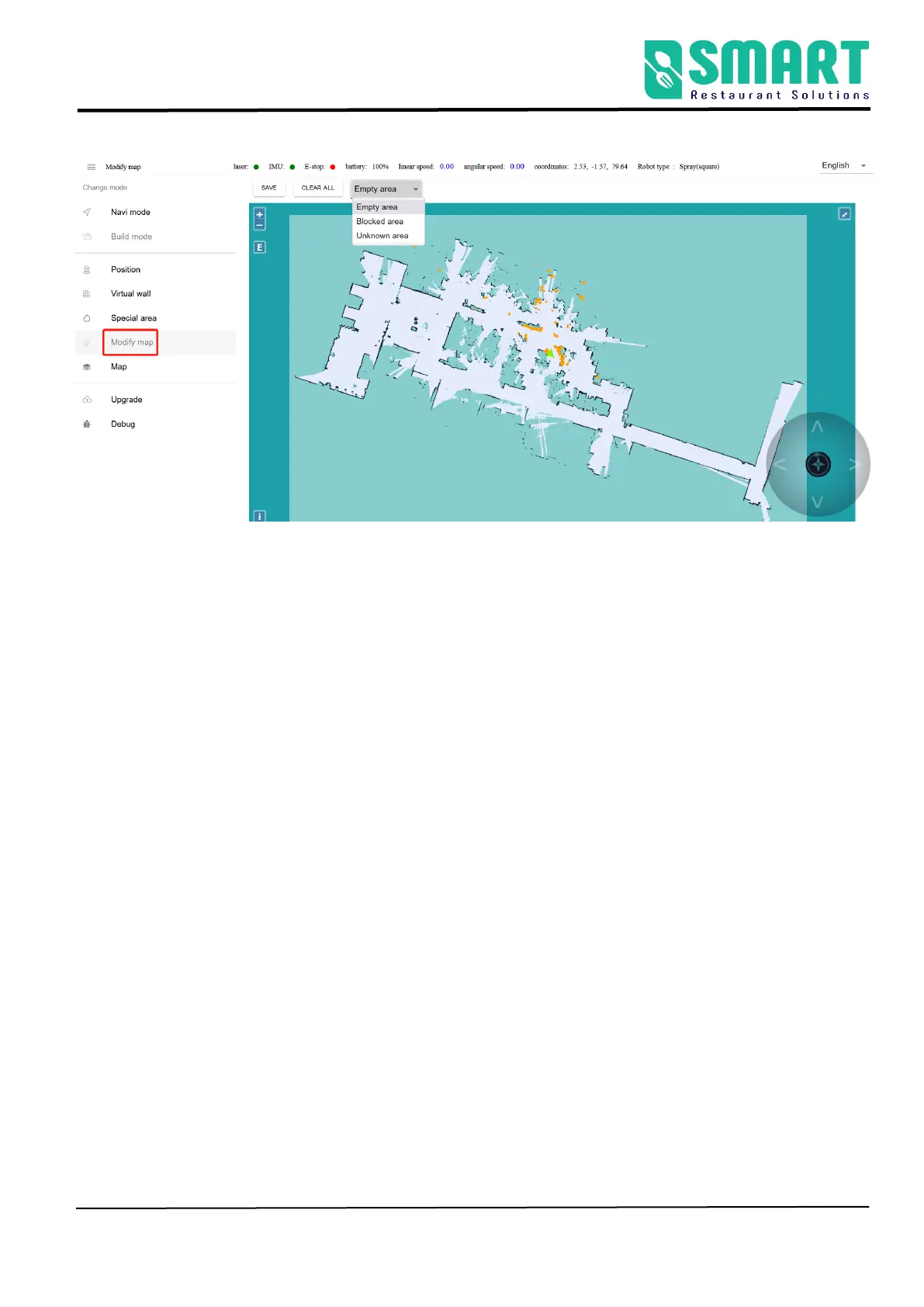
① Click SAVE to apply the map modification
② CLEAR ALL
③ Here is the drop-down menu. You can select different amount
map area types
• Empty area: Remove some temporary obstacles in the map(such
as temporary people, etc.) during the process of scanning the map.
Do not remove the real obstacles.
• Blocked area: some real fixed obstacles may not be scanned very
clearly when building the map, so it is necessary to draw obstacles
artificially on the map (note that the obstacles drawn must match
the obstacles that can be swept by the real laser).
• Unknown area: some frequently changing feature points need to



 To Next Page