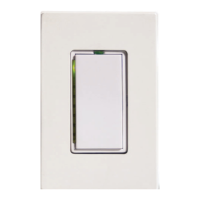
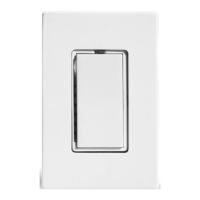
CAUTION!!
Read and understand these instructions before installing. This device is intended for installation
in accordance with the National Electric Code and local regulations in the United States, or the
Canadian Electrical Code and local regulations in Canada. To reduce the risk of overheating and
possible damage to other equipment, do not install a SwitchLinc to control a receptacle or fluores-
cent lighting fixture. For indoor use only. Connect only copper or copper-clad wire to this device.
Before installing, disconnect power at circuit breaker or remove fuse to avoid shock or damage to
the control. It is recommended that a qualified electrician perform this installation. Retain these
instructions for future reference.
Dimming an inductive load (such as a ceiling fan) below the minimum voltage set by the manufac-
turer of the load device could cause damage to the load device from overheating. If the manufac-
turer of the load device does not recommend dimming, DO NOT use SwitchLinc 2-Way dimmer with
that device (use SwitchLinc 2-Way Relay #23883W/I or Relay PLC #23885W/I). USER ASSUMES
ALL RISKS ASSOCIATED WITH DIMMING AN INDUCTIVE LOAD.
Gradateurs commandant une lampe a filament de tungstene - afin de reduire le risque of surchauf-
fee et la possibilite d'endommagement a d'autres materiels, ne pas installer pour commander une
prise, un appareil a monteur, une lampe fluorescente ou un appareil alimente par un transforma-
teur.
Quick Start Instructions DEFAULT
Setting the Dimmer’s 1. Press and hold the Set Button for 3 A-1
Primary Address seconds (the LED will begin blinking
and the load will come on)
2. Send the desired address from any
transmitter within 30 seconds
(see page 6 for more detailed instructions)
Setting the Preset On-Level 1. Adjust the dim level to the desired level 100%
2. Tap the Set Button ONCE
(see page 6 for more detailed instructions)
Setting the Fade- 1. Adjust the dim level 2 Seconds
On Rate (Brighter = faster dimming)
2. Double tap the Set Button
(press it TWICE quickly)
(see page 6 for more detailed instructions)
Factory Reset 1. Gently pull the Set Button out
to remove power for 5 seconds
2. Push and hold in the Set Button Resets to
for 5 seconds, then release default
3. When the LED Indicator comes on, settings
the SwitchLinc is reset
(see page 9 for more detailed instructions)
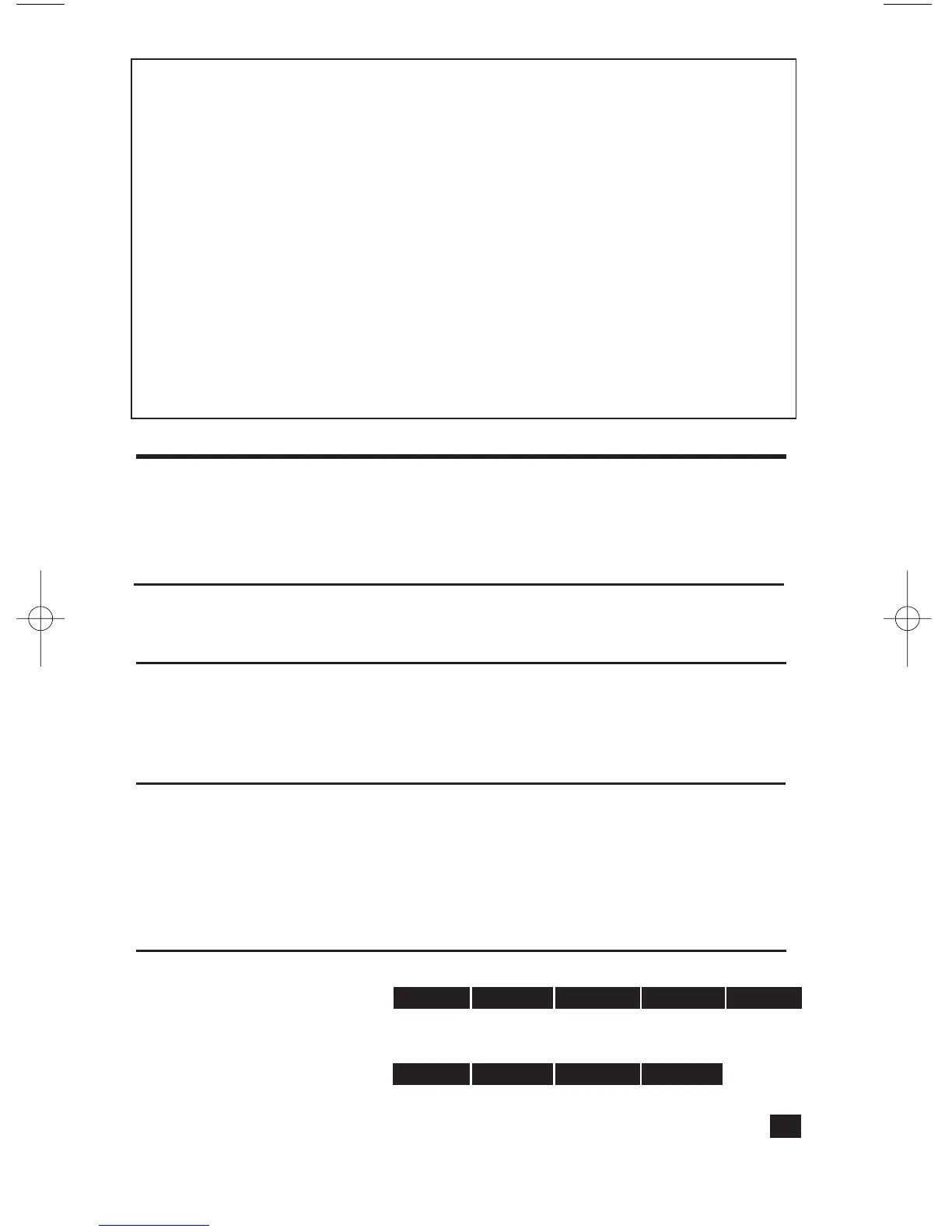
Programming a Scene 1. Transmit the “clear” sequence:
2. Adjust on the Dimmer to the desired brightness
3. Send the following command sequence:
4. Transmit the desired scene address (house and unit code)
to lock-in the new scene.
(see pages 7 & 8 for more detailed instructions)
3
O16 N16 M16 P16 M16
M16 N16 O16 P16


 To Next Page
 Loading...