EasyManua.ls Logo

Smarthome ICON - User Manual

Default Icon
18 pages
Print Icon
To Next Page IconTo Next Page
Loading...
ICON
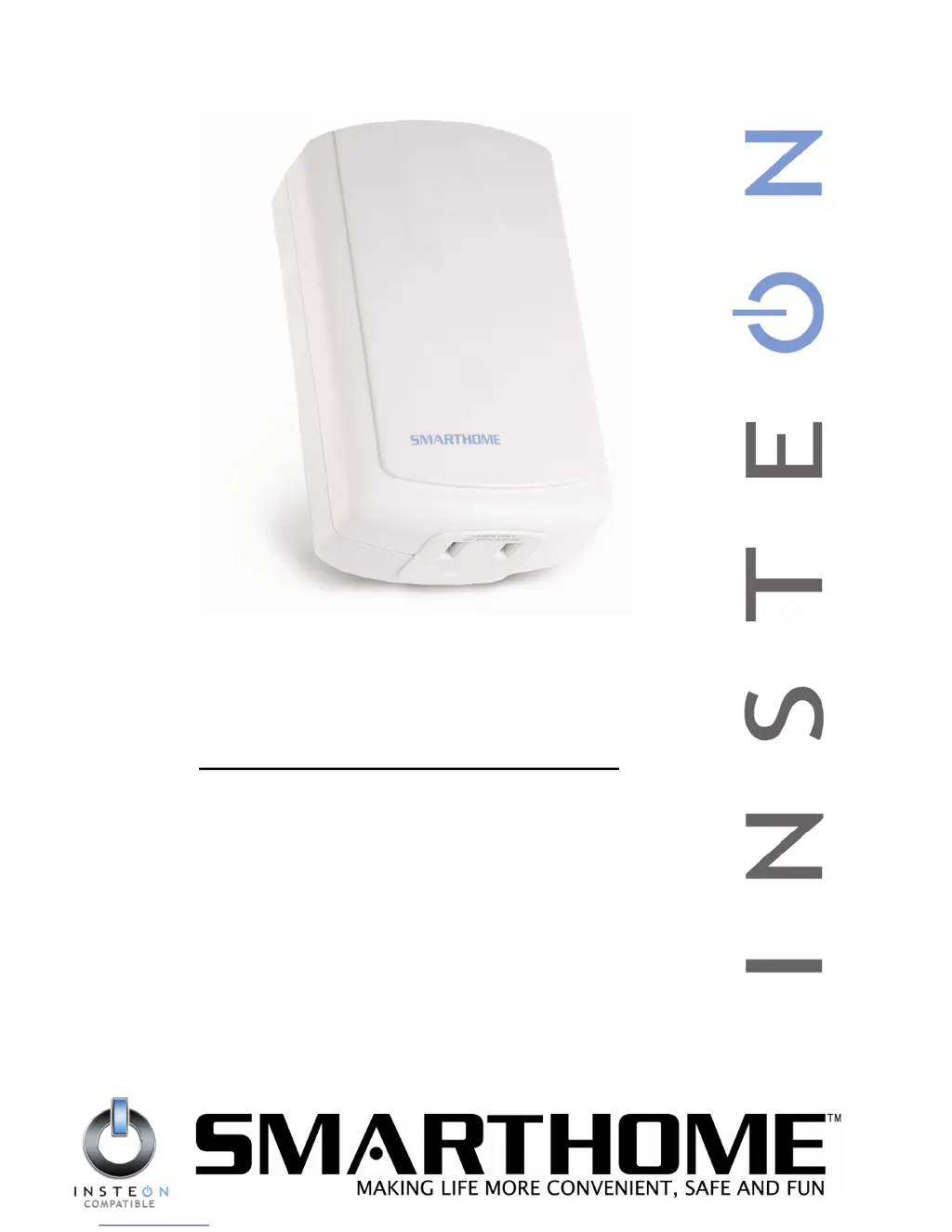
Lamp Dimmer
Lamp Dimmer Module with INSTEON
®
Technology
For model(s):
#2856D2/2856D2B ICON Lamp Dimmer

Questions and Answers

Summary

About Icon Lamp Dimmer

What is INSTEON?

Explains the INSTEON home control technology.

Key Icon Lamp Dimmer Features

Lists the main capabilities and benefits of the lamp dimmer.

How to Install Icon Lamp Dimmer

Icon Lamp Dimmer Installation Tips

Provides essential tips for successful installation and operation.

Installing Icon Lamp Dimmer

Detailed instructions for the physical installation process.

How to Set Up Icon Lamp Dimmer

Linking Icon Lamp Dimmer to an INSTEON Controller

Details the process of connecting the dimmer to an INSTEON controller.

Unlinking Icon Lamp Dimmer from an INSTEON Controller

How to Set Up On-Levels (Optional)

Creating an INSTEON Scene

Advanced Features of Icon Lamp Dimmer

Restoring Power to Icon Lamp Dimmer

Explains how the dimmer retains settings after power loss.

Resetting Icon Lamp Dimmer to Its Factory Default Settings

Procedure to reset the dimmer to its original factory settings.

X10 Programming Options

Setting the X10 Primary Address

How to assign an X10 address for compatibility.

Removing the X10 Primary Address

Procedure to remove an assigned X10 Primary Address.

Enabling or Disabling Local Control

How to manage manual lamp control via the device's switch.

Setting the X10 On-Level for the X10 Primary Address

Setting the default brightness for X10 commands.

Enabling X10 Resume Dim

Advanced X10 Programming Options

Remotely Setting the On-Level for the X10 Primary Address

Method for setting X10 On-Level remotely using specific sequences.

About INSTEON

Understanding Why an INSTEON Network Is Reliable

Explains the reliability of INSTEON mesh networking technology.

Further Enhancing Reliability

Tips for improving INSTEON signal strength and network coverage.

Using Access Points To Upgrade Your INSTEON Network

How to use Access Points to improve network performance.

About INSTEON and X10

Possible BoosterLinc Interference with INSTEON

Discusses potential interference from older BoosterLinc devices.

INSTEONs Effect on X10

Explains how INSTEON devices can affect X10 device performance.

Troubleshooting

Specifications

ICON Lamp Dimmer Specifications

Detailed technical specifications of the ICON Lamp Dimmer.

Smarthome ICON Specifications

General IconGeneral
BrandSmarthome
ModelICON
CategoryDimmer
LanguageEnglish

Related product manuals