ICON Lamp Dimmer User’s Guide
Page 5 of 18
HOW TO SET UP ICON LAMP DIMMER
Linking ICON Lamp Dimmer to an INSTEON Controller
1. Select your INSTEON Controller from the list below and follow the method shown to put it into
Linking Mode.
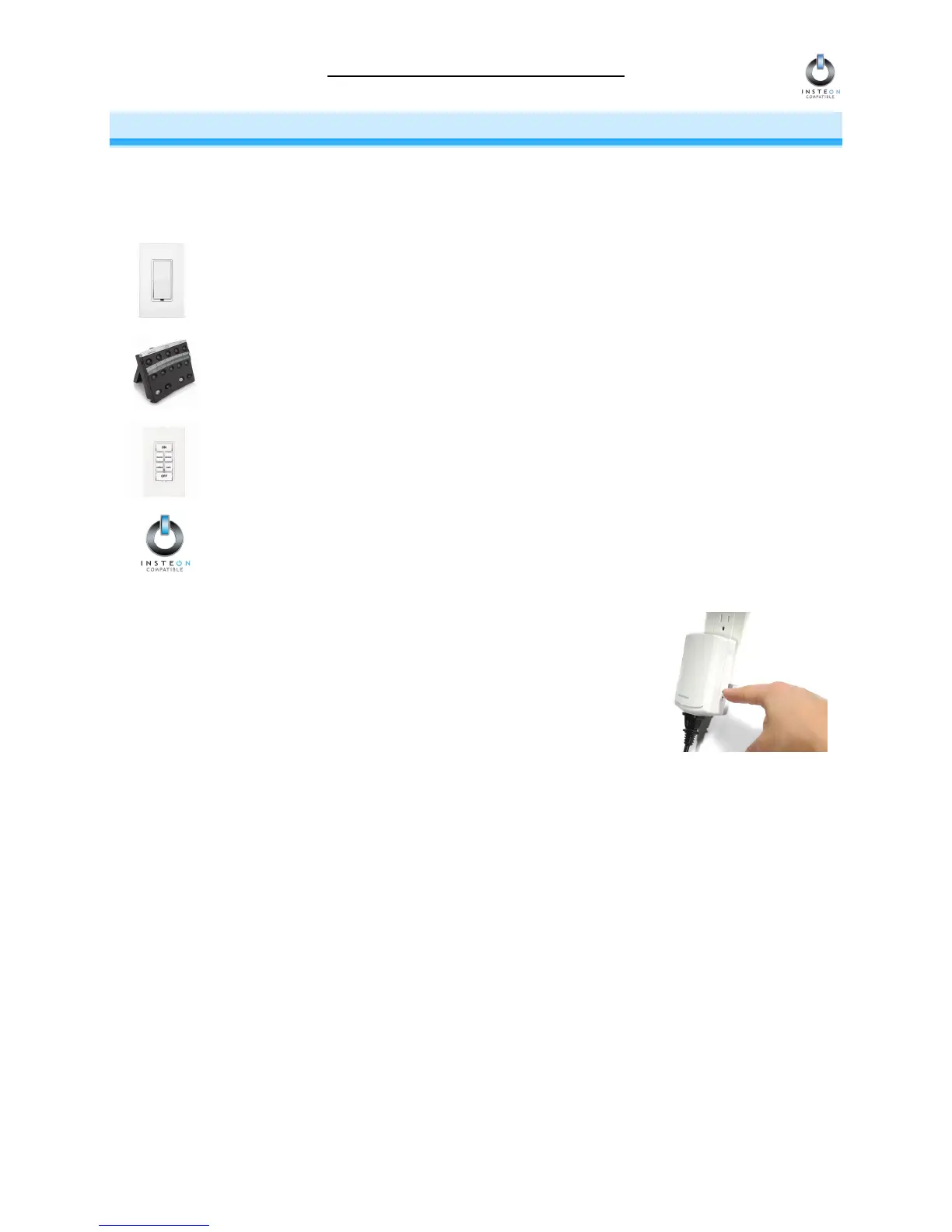
A. ICON Dimmer Switch – Press and hold ICON Dimmer Switch’s Paddle Top for 10
seconds, then release. To confirm that it is in Linking Mode, ICON Dimmer Switch will
flash the light that it is wired to once and begin blinking its LED.
B. ICON Tabletop Controller – Choose the ON/OFF Button Pair you want to use for
controlling ICON Lamp Dimmer. Press and hold the ON Button of the pair for 10
seconds. To confirm that it is in Linking Mode, ICON Tabletop Controller’s Status LED
will begin blinking.
C. ICON Keypad Dimmer – Choose the ON Button you want to use for controlling ICON
Lamp Dimmer. Press and hold the ON Button for 10 seconds. To confirm that it is in
Linking Mode, ICON Keypad Dimmer will flash the light that it is wired to once and
begin blinking the ON Button that you pushed.
D. Other INSTEON Controllers – See the INSTEON Controller’s User’s Guide.
2. Press and hold the black SET Button on ICON Lamp Dimmer for
3 seconds. Both the lamp you are controlling and ICON Lamp
Dimmer’s Status LED will blink to confirm linking. Depending on
the INSTEON Controller, you have about 4 minutes to perform
this step before Linking Mode times out automatically.



 To Next Page