MANUAL (STANDALONE) EFTPOS
TRANSACTION TYPES
• EFTPOS terminal is not connected to POS
• The idle screen displays transaction options
• To start a transaction the operator selects transaction type required and types in amount
PURCHASE
Standard Purchase/Sale transaction using an EFTPOS/CREDIT/DEBIT card.
CASH
Cash Out transaction using an EFTPOS/CREDIT/DEBIT card.
PUR/CASH
Combined Purchase/Sale and Cash Out transaction using an EFTPOS/CREDIT/DEBIT card.
REFUND
Refund transaction using an EFTPOS/CREDIT/DEBIT card.
AUTH
Hospitality transaction type to request pre-authorisation of funds on CREDIT card
(usually for room or vehicle hire).
Hospitality functionality must be approved by Merchant bank before it can be enabled on terminal.
FINALISE
Hospitality transaction type to complete (Finalise) transaction from a previous a pre-authorisation
on CREDIT card (usually for room or vehicle hire).
SMARTLINK LITE EFTPOS (D210 & D200)
When the terminal is in Smartlink Lite mode the idle screen will display the text PAYMARK EFTPOS.
EFTPOS terminal is paired with a Smartlink Lite capable POS. Transaction requests are sent from POS to terminal.
Administrative functions may be accessed directly on the terminal or through the POS (depends on POS functionality).
Your POS provider should supply any instructions required to assist you with adding integrated EFTPOS acceptance.
For some systems, a Smartpay EFTPOS option may need to be enabled before we can pair the terminal. Please check
with your POS provider or read your POS setup instructions to perform these steps.
When in integrated/interfaced mode you will require a password to access the MERCHANT FUNCTIONS / ADMIN
MENU. Contact Smartpay THD for assistance if required.
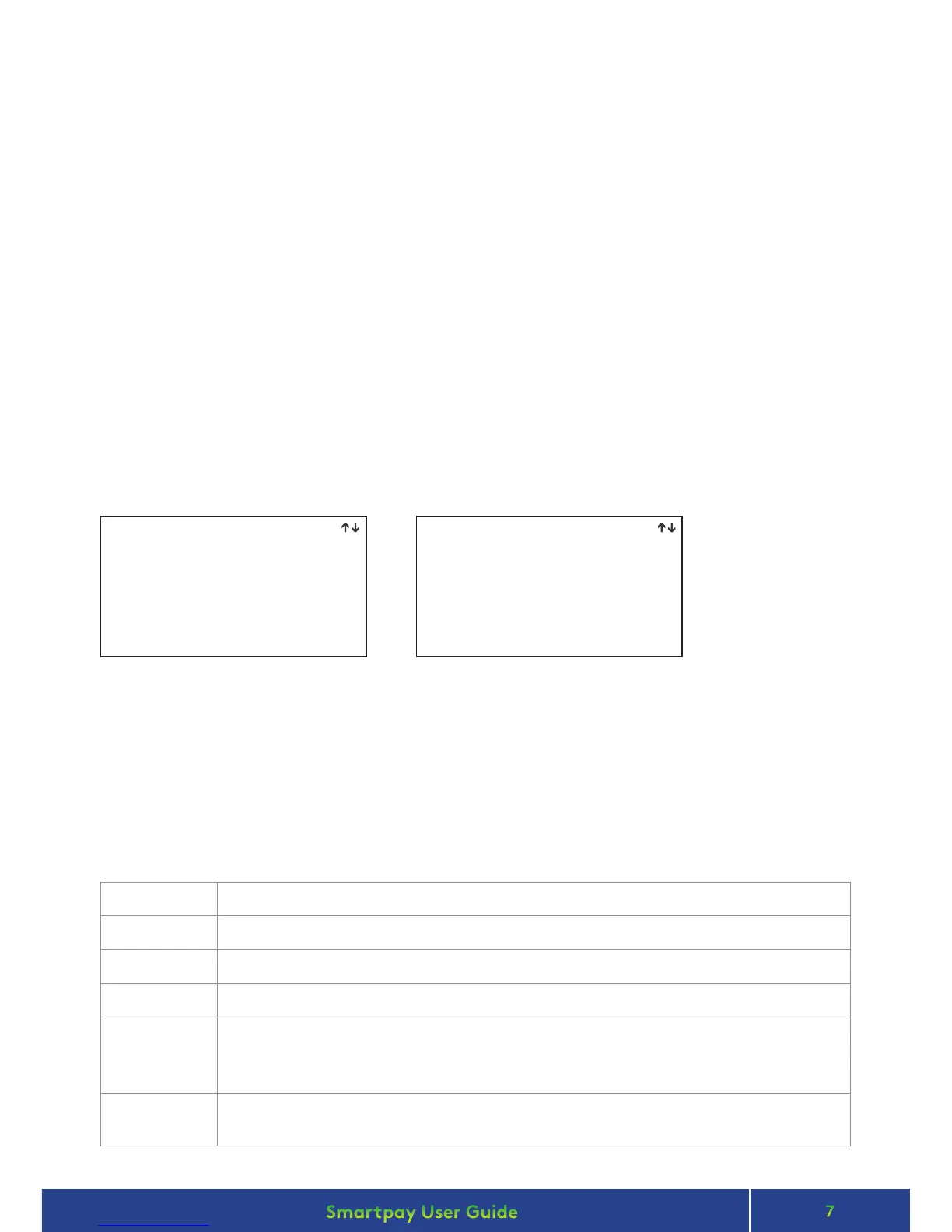
1. PURCH
2. AUTH
3. PUR / TIP
4. CASH
5. PUR / CASH
6. FINALISE
7. TOPUP
8. REFUND
1. LOGON
2. CUTOVER
3. INQUIRY
4. SHIFT
5. ADD TIP
IDLE SCREEN PAGE 2
dd/mm/yy time
dd/mm/yy time
PAYMARK EFTPOSPAYMARK EFTPOS
• When in manual mode the terminal idle screen displays a standard TRANSACTION MENU
• To start any of the main 4 transaction types – select corresponding keypad number
• To access secondary transaction types – press up/down ARROW keys
• To tab between the transaction type screens press up/down ARROW keys
• Press MENU key to access EFTPOS MAIN MENU


 To Next Page