MERCHANT & COMMUNICATION SETTINGS
PRINT CURRENT CONFIGURATION
NETWORK COMMS CHECK
CONFIGURATION UPDATE
TMS
Smartpay oers a range of value-add services like Smartcharge automatic surcharging, Tipping on
terminal and Multi merchant. Contact our sales team or THD to discuss activating/deactivating these
services on your EFTPOS terminal.
Smartpay Terminal Management System provides remote access software updates and conguration
changes for your terminal.
We use this from time to time to ensure our customers have the most up-to-date, secure and bug free
software on their units. Please contact Smartpay THD for assistance before you attempt to use this menu.
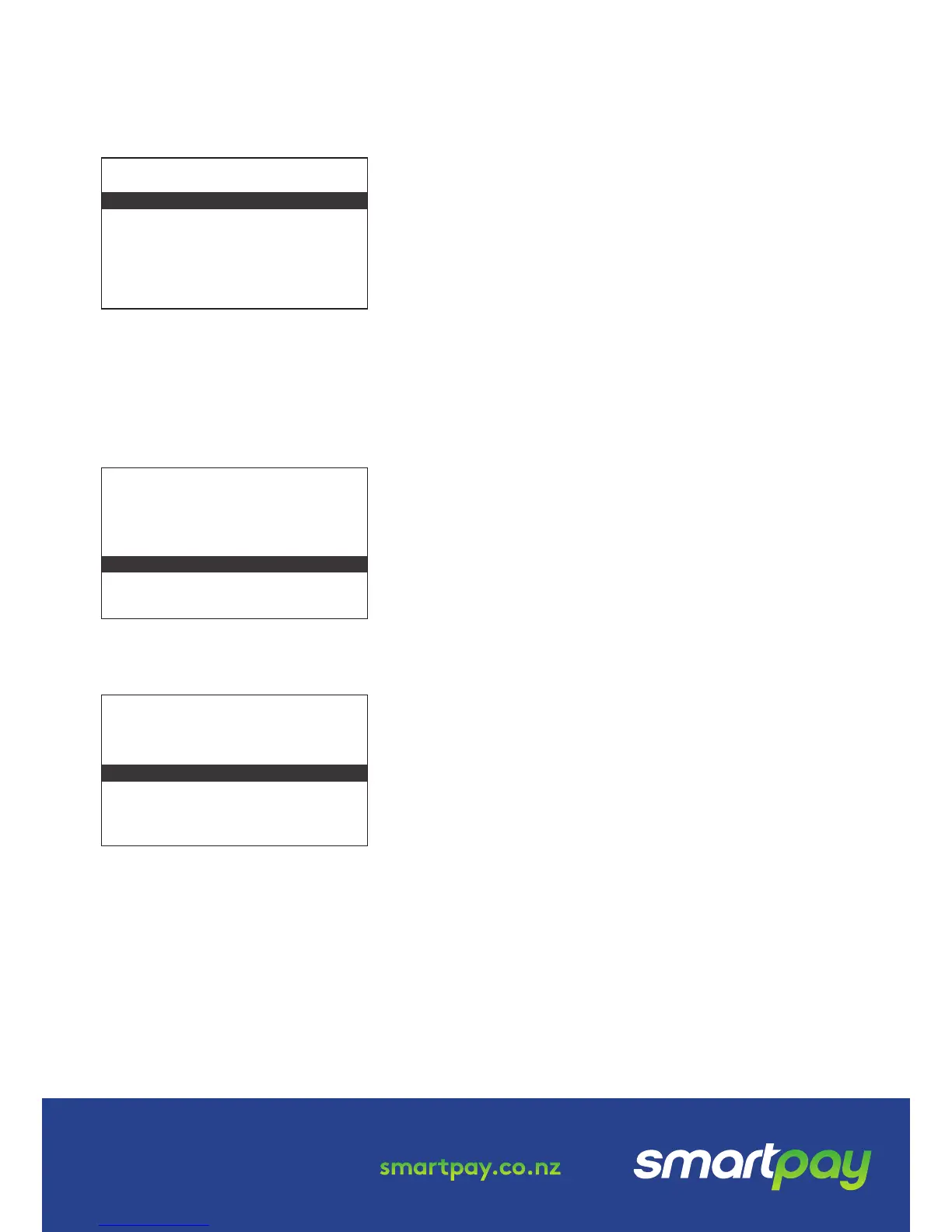
• Press MENU
→
APP MANAGER MENU
→
TMS MENU
→
TMS START
0800 476 278 - Option 2 smartpay.co.nz
• Press MENU
→
QUICK ACCESS MENU
→
PRINT CONFIG
Terminal will print out conguration receipt with current
network and other host and merchant settings.
This check can be performed to verify the terminal has a
working network connection.
• Press MENU
→
UTILITY MENU
→
DIAGNOSTICS
→
COMMUNICATIONS
Terminal screen will display ACCEPTED for a working
connection or PROCESSING NOW
→
DECLINED PLEASE TRY
AGAIN if the connection is not working.
From time to time Smartpay THD may need to perform a
CONFIG UPDATE on the terminal to apply functionality changes.
• Press MENU
→
CONFIGURATION MENU
• Enter the password provided by Smartpay THD operator
• Select UPDATE CONFIG
QUICK ACCESS MENU
ADMINISTRATIVE MENU
UTILITY MENU
CONFIGURATION MENU
SECURITY MENU
APP MANAGER MENU
QUICK ACCESS MENU
ADMINISTRATIVE MENU
UTILITY MENU
CONFIGURATION MENU
SECURITY MENU
APP MANAGER MENU
QUICK ACCESS MENU
ADMINISTRATIVE MENU
UTILITY MENU
CONFIGURATION MENU
SECURITY MENU
APP MANAGER MENU
MERCHANT FUNCTIONS
MERCHANT FUNCTIONS
MERCHANT FUNCTIONS
SP126194251-0217


 To Previous Page