-13-
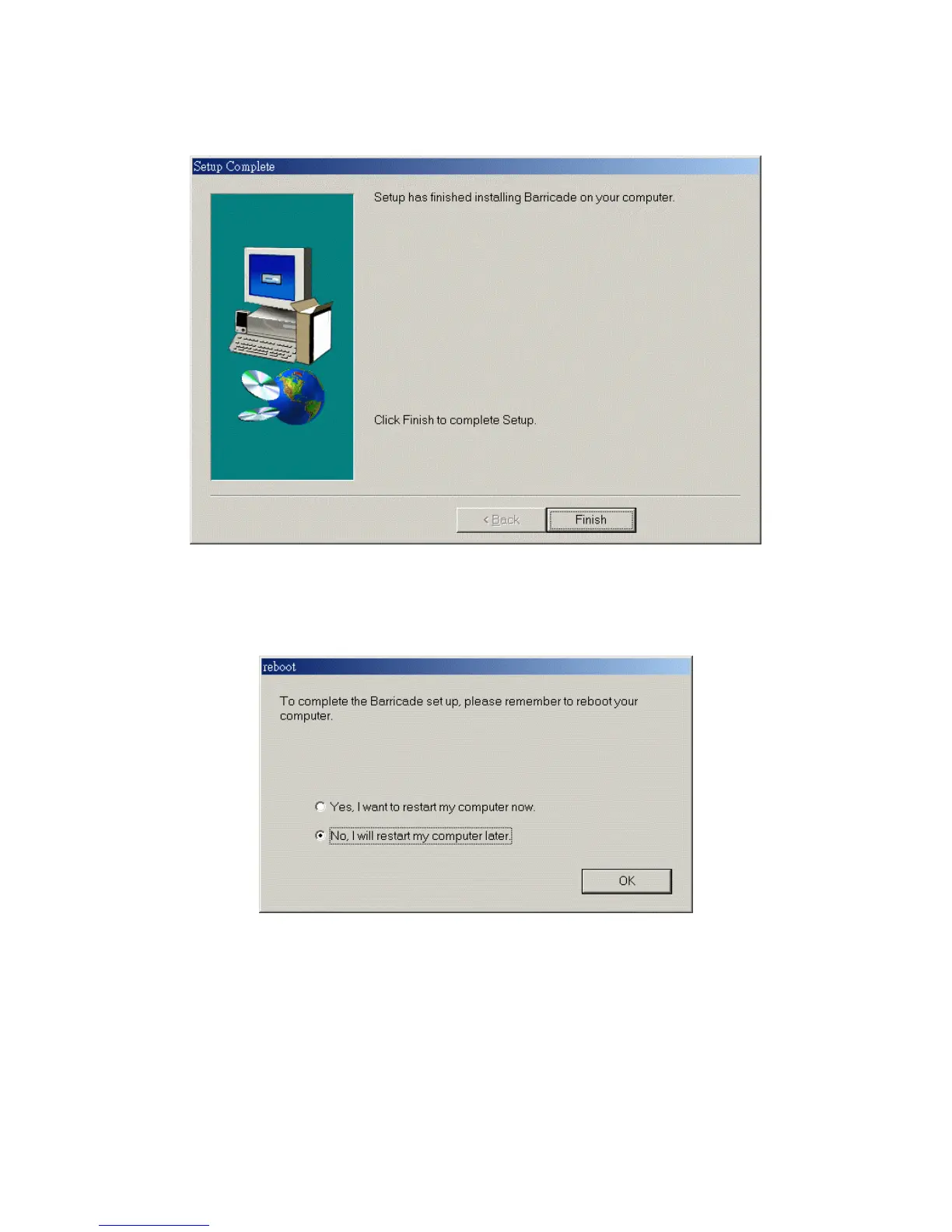
Step 4: When the following window is displayed, click on the Finish button.
Step 5: Select the item to restart the computer, then click the OK button to reboot your
computer.
Step 6: After rebooting your computer, the software installation procedure is complete.
Now, you can configure the Internet Sharer (refer to Chapter 4) and set up the Print Server
(refer to Chapter 5).


 To Next Page
 Loading...