11
Instructions for the user
4.1.4 Auxiliary oven thermostat knob
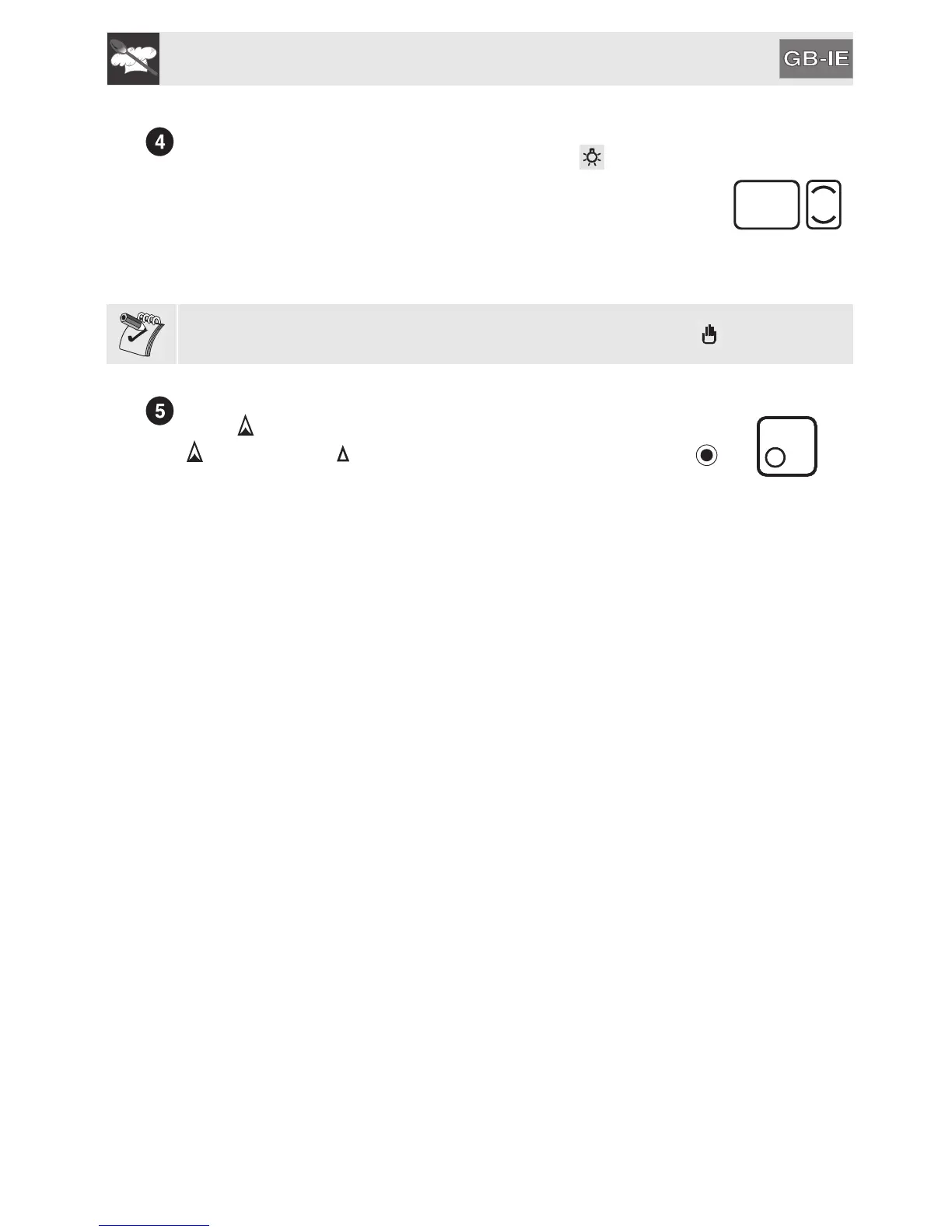
This knob allows to select the cooking function and the cooking temperature (only in
static function) for the auxiliary oven. Turning the knob to the position turns on
the light inside the auxiliary oven. To set the knob on “O” turn it always anti-
clockwise.
The indicator light comes on to indicate that the oven is heating up.
The indicator light goes out when the set temperature is reached. It flashes at
regular intervals to indicate that the temperature inside the oven is being kept
constantly at the set level.
If no cooking time is selected, the timer knob must be positioned on the symbol (manual).
4.1.5 Hob burners control knob
To light the flame, press the knob and turn it anti-clockwise to the maximum flame
symbol ( ). To adjust the flame, turn the knob to the zone between the maximum
( ) and the minimum ( ) settings. To turn off the burner, turn the knob to the
position.
(The adjacent symbol indicates the front left burner).


 To Next Page