Use
62
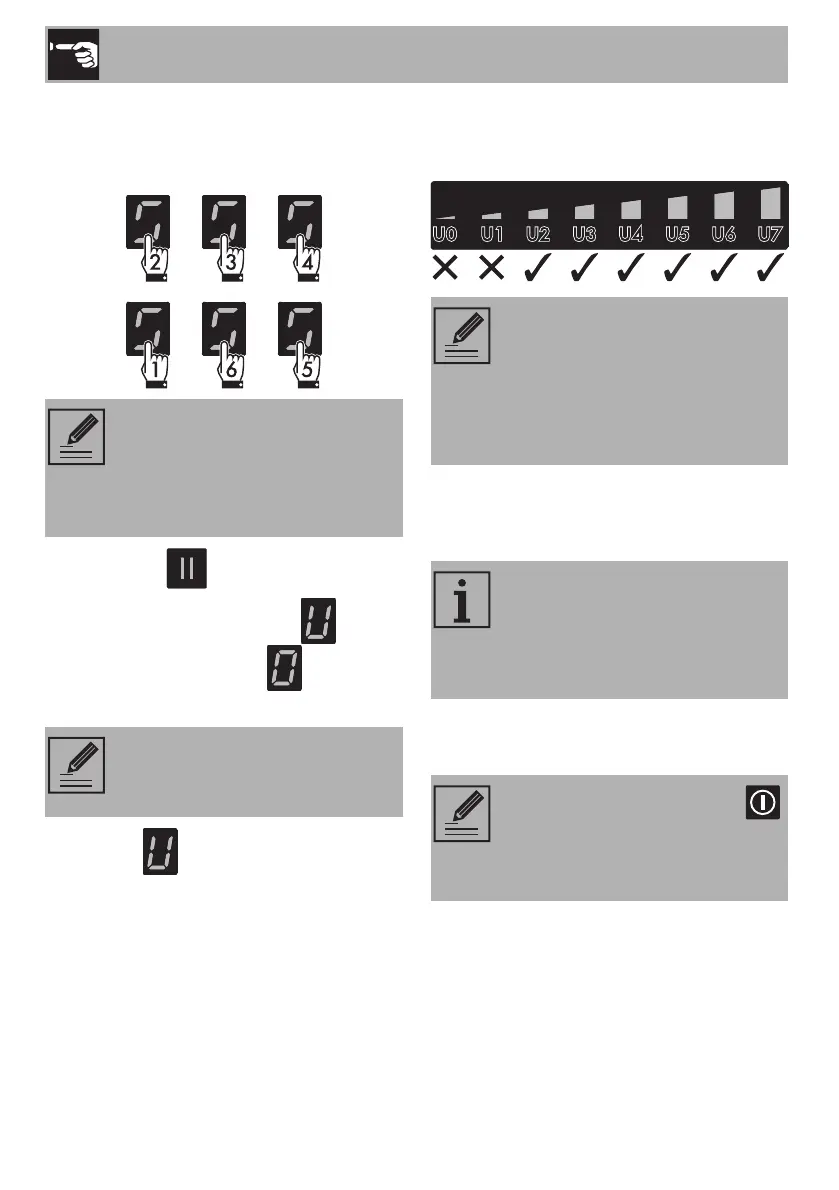
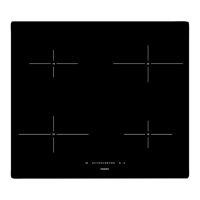
Press all the buttons of the cooking zones in
sequence in a clockwise direction starting
from the front left. Every effective touch will
be confirmed by a beep.
5. Release the button.
The user menu is active and the symbol
alternating with the number will appear
at the top of the cooking zones display.
6. Press the symbol to go back to
selecting the options. A scroll bar
appears in which each segment is
associated with a menu option.
7. Press the segments of the scroll bar
(except the first two) to select the
available options.
Option U2 modifies the volume of the
button sounds; 4 sound levels can be
selected using the scroll bar.
• 0: minimum volume.
• 3: maximum volume.
Option U3 modifies the volume of the
signals (for example the sound of the alarm
when the timer has finished). 4 levels can be
selected.
• 0: minimum volume.
• 3: maximum volume.
If the sequence of the buttons is
selected incorrectly, the hob will
be turned off and the procedure
for accessing the menu will have to
be repeated.
This option is only to be used by
the installer (see “Power limitation
procedure (for installer only)”).
• The first segment on the left is
reserved for the power limitation
procedure (for installer only).
• For technical reasons, the second
segment from the left (U1) is
deactivated.
According to the adjustment range
of each option, the scroll bar will
show only those segments that
correspond to the adjustments
available for each option.
The sound associated with the
button and the sounds associated
with error messages cannot be
deactivated.



 To Next Page