LocationResume Mode
Gapless Playback
Play Mode
Folder Skip
41
Play Setting
SD Card
Smb
OTG_1
41
File Browser
OTG_2
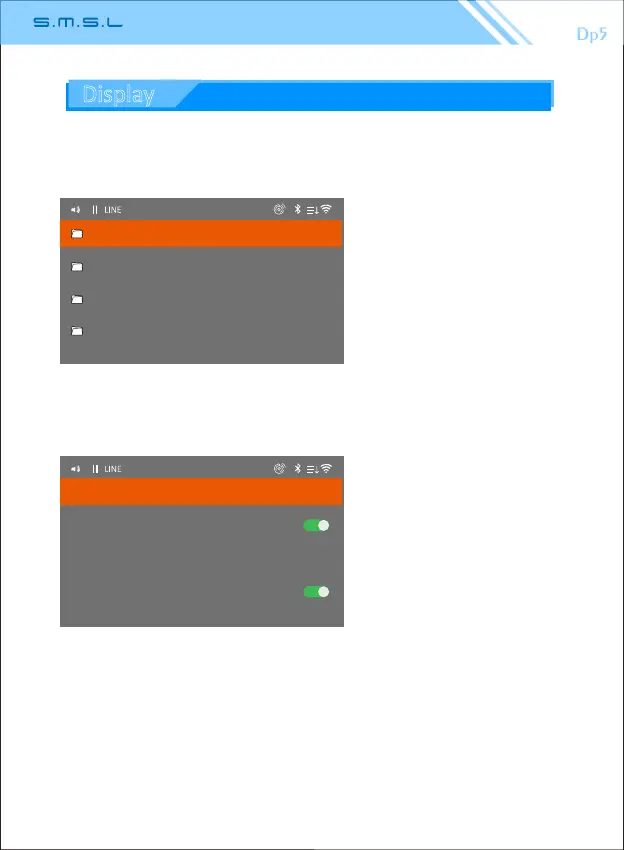
4. File browsing interface
5. Playback menu
The contents of the file browsing
menu are:
1.Micro SD card folder.
2.LAN folder.
3.USB folders.
(The display corresponds to the
inserted U disk socket)
Operaon:
"Mulfuncon knob":
long press to Delete files .
The content of playback menu:
1. Resume Mode:
1.1 "Turn off "next me The
last shutdown will not be
played The previous repertoire.
1.2 "Repertoire" Memory the track
before power off.
1.3 "Posion"Memory the posion
of the track before power off.
2.Gapless playback: Song switching with the same sampling rate does not stop.
3. Play mode: list play, single loop, random play, list cycle.
4.Folder skip:Switching songs is a song that can be jumped to a different file.
(Note: The playback sengs are only valid for micro SD cards.)
36
Display



 To Next Page