Please Eject Before Disconnec ting
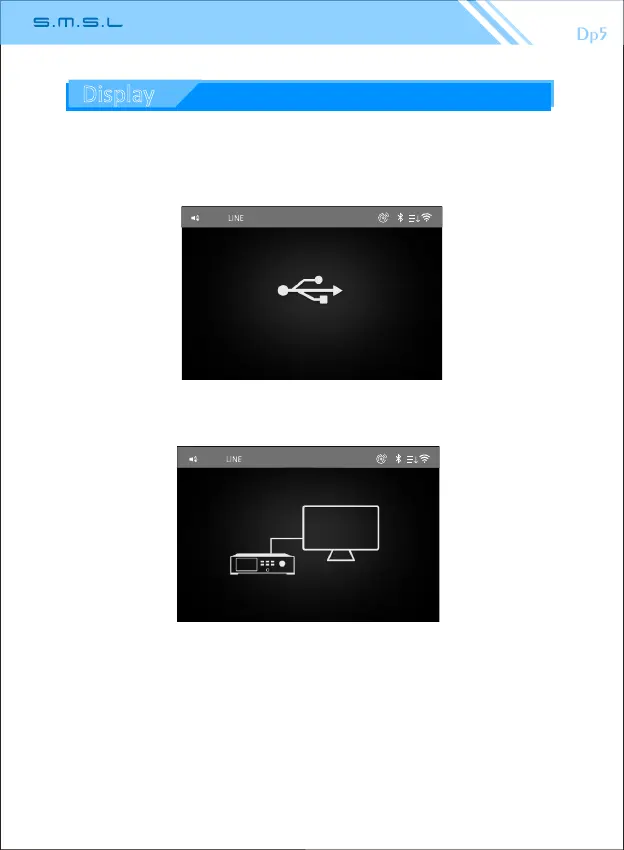
USB Connected
41
USB
7.B-type USB mode:
The B-type USB interface is set to “USB mode”. The unit is connected to
the computer through the B-type USB interface to access and modify the
micro SD card data of the machine. Please pop up before disconnecng.
38
4 1
USB DAC
0K Hz
The B-type USB interface is set to “DAC mode”, the B-type USB interface
of the unit is the USB Audio input interface, and the machine is used as a
normal USB decoding device.
8. Backlight brightness: brightness adjustment is divided into 5 levels.
9. Backlight me: 15 seconds, 30 seconds, 45 seconds, 3 minutes,
5 minutes, 10minutes, never.
10.Language: simplified Chinese, Tradional Chinese, English.
11.About device: Model External memory Available capacity
Bluetooth address Firmware version
12.Restore the factory seng: reset all opons set to the machine,
restore to the factory seng.
13.System upgrade: Download the upgrade firmware to the micro
SD card, insert the unit and click the system upgrade.
6.DSD output mode:
D2P (DSD to PCM): Converts the DSD signal to a PCM signal output.
DoP (DSD over PCM): The DSD signal is encapsulated into PCM code
for the purpose of transming DSD signals (fiber, coaxial, AES
transmission DOP signal only supports DSD64).
DSD Nave: Direct DSD data transmission, transming DSD encoded
digital signals in 1 bit 2.822MHz or mulples thereof.
Display



 To Next Page