HEADPHONE
D2P
USB
English
Auto Shutdown-
Update Music Mode
Update Music
Output Mode
DSD Output Mode
USB Mode
Backlight Brightness
Backlight Timer
language
About Device
Restore Factory Setting
System Update
41
System Setting
OFF
I S inverting
Fixed sample rate output
D 2P
2
6
.
System seng
The content of the system sengs
menu:
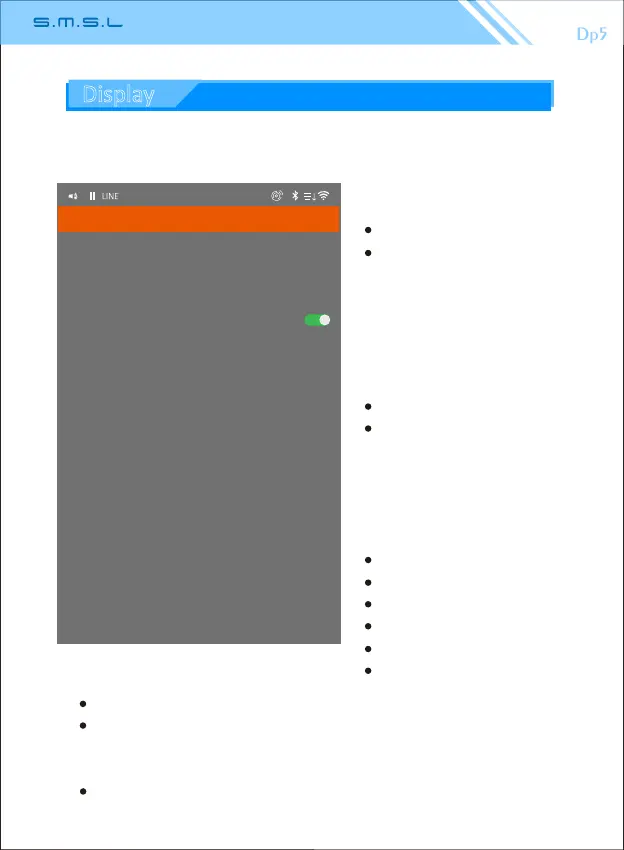
1. Update music mode:
Manual.
Auto.
(Note: This funcon only valid
by using micro SD card.)
2. Update music: Click start scan
memory devices connected to
DP5.
3. Output mode:
headphone output
Line output.
(Digital output is not affected)
4.I
2
S inverng
Choose or not choose
5.Fixed sample rate output,
on or off
44100
48000
88200
96000
176400
192000
37
6.DSD output mode:
D2P (DSD to PCM): Converts the DSD signal to a PCM signal output.
DoP (DSD over PCM): The DSD signal is encapsulated into PCM code
for the purpose of transming DSD signals (fiber, coaxial, AES
transmission DOP signal only supports DSD64).
DSD Nave: Direct DSD data transmission, transming DSD encoded
digital signals in 1 bit 2.822MHz or mulples thereof.
Display



 To Next Page