Bluetooth
WiFi
DLNA
AirPlay
41
NET Settings
Bluetooth
BT name SMSL DP5(044A)
HiBy Link
High Quality
41
Bluetooth
Bluetooth Scanning
iPhone
Paired Device
SMSL BT5.0
iPhone Xs M ax
7
.
Network seng interface
Operang instrucons in the content secon of the Network Sengs menu:
39
1.Bluetooth
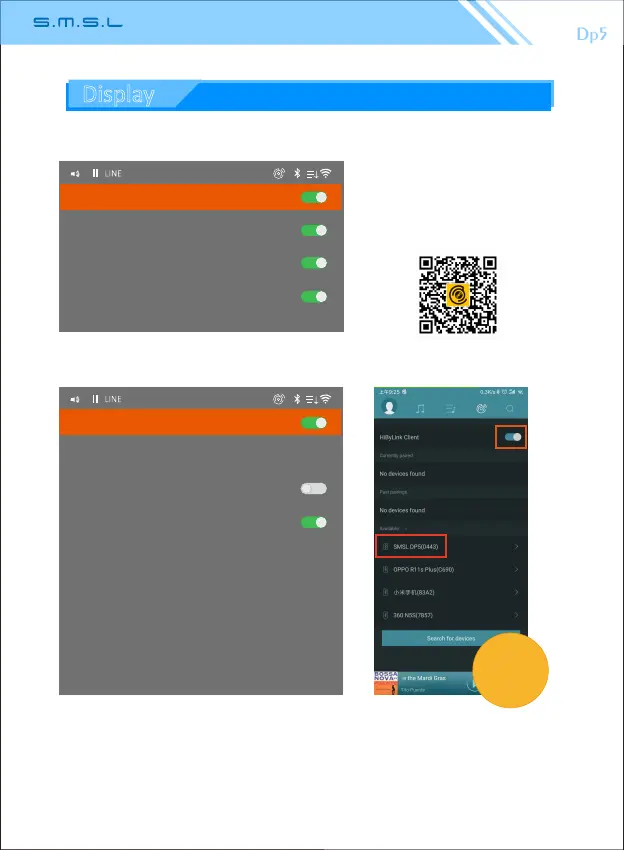
1.1、HiBy Link: The HiBy Link funcon in the mobile device opens the HiBy player
and docks with Dp5. The mobile device can browse the storage device in the unit
and can be used as a Bluetooth remote controller.
(Note: When using Bluetooth to input audio, be sure to turn off the HiBy Link of the
Dp5.)
HiBy player
Hiby APP android download:
Display



 To Next Page