41
SD Card
Smb
41
Fil
e
Br
o
wer
Search for Server
MUSI C BOX
41
Smb
3. DLNA: Dp5 connects to the network, the mobile device installs and opens
“Bubble UPnP”, plays the song, pull the playback layout to the right, and
selects to push to play on “SMSL DP5”.
(Note: You can only operate on the same network. As the network maybe
unstable, it will cause DLNA playback to be interrupted.)
SAMBA (NAS) LAN playback:
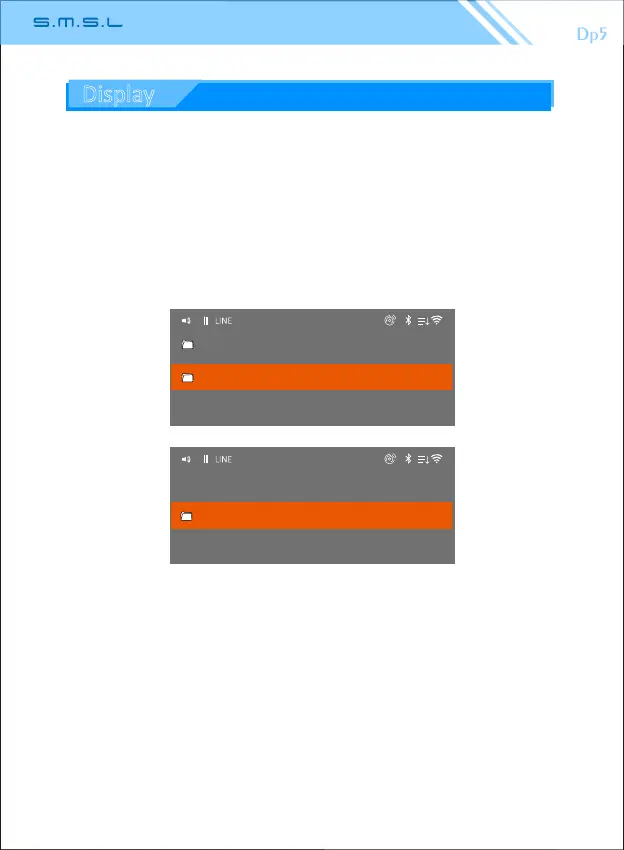
After the WiFi setting is completed, under the “File Browser”menu,enter
the LAN to select the corresponding folder, and read the song for
playback. (If the folder is password protected, please cancel it first)
(Note: After switching to different networks, you need to research the
server to refresh the file.As the WiFi network is unstable or interfered, it
may appear intermittent or even interrupted during playback.)
Display



 To Next Page