WiF i
Searching WiFi
41
WiF i
Connected WiF i hotspot
MUSIC BOX Connected
HOME
JACKY
41
WiF i
Input password
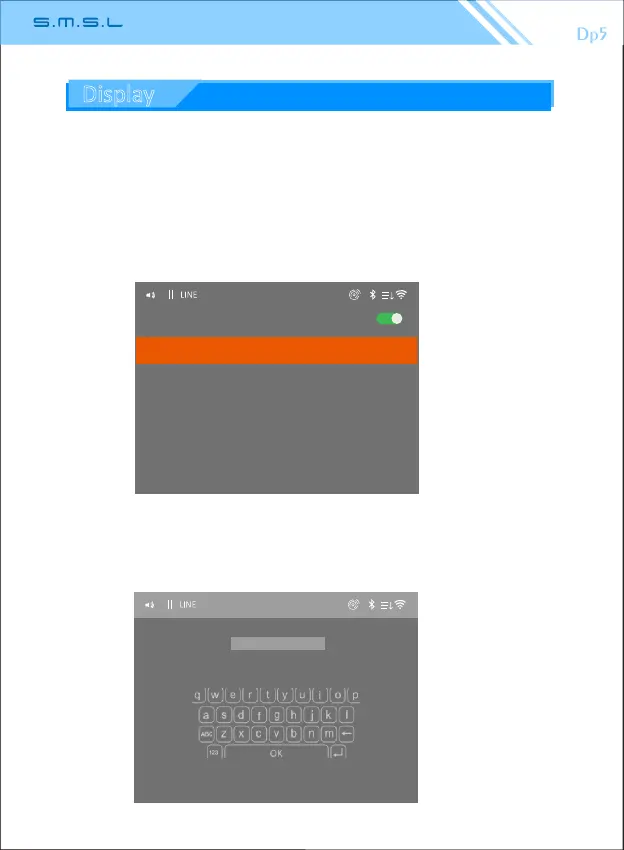
2.WiFi: Select "searching Wifi" to scan nearby wireless LAN
1.2、High sound quality: Using advanced algorithms, the sound quality of Bluetooth
transmission is improved.
1.3、Bluetooth scanning: Scan nearby devices that can connect to Bluetooth,
you can choose to connect devices. Select the connected device and press and
hold the “Mul-Funcon Middle Buon” to delete the pairing.
Use the remote control or multi-function knob to enter the password on the
virtual keyboard (as shown below, and finally select “OK”) to make a paired
connection.Show "connected" (as shown above).
40
Display



 To Next Page