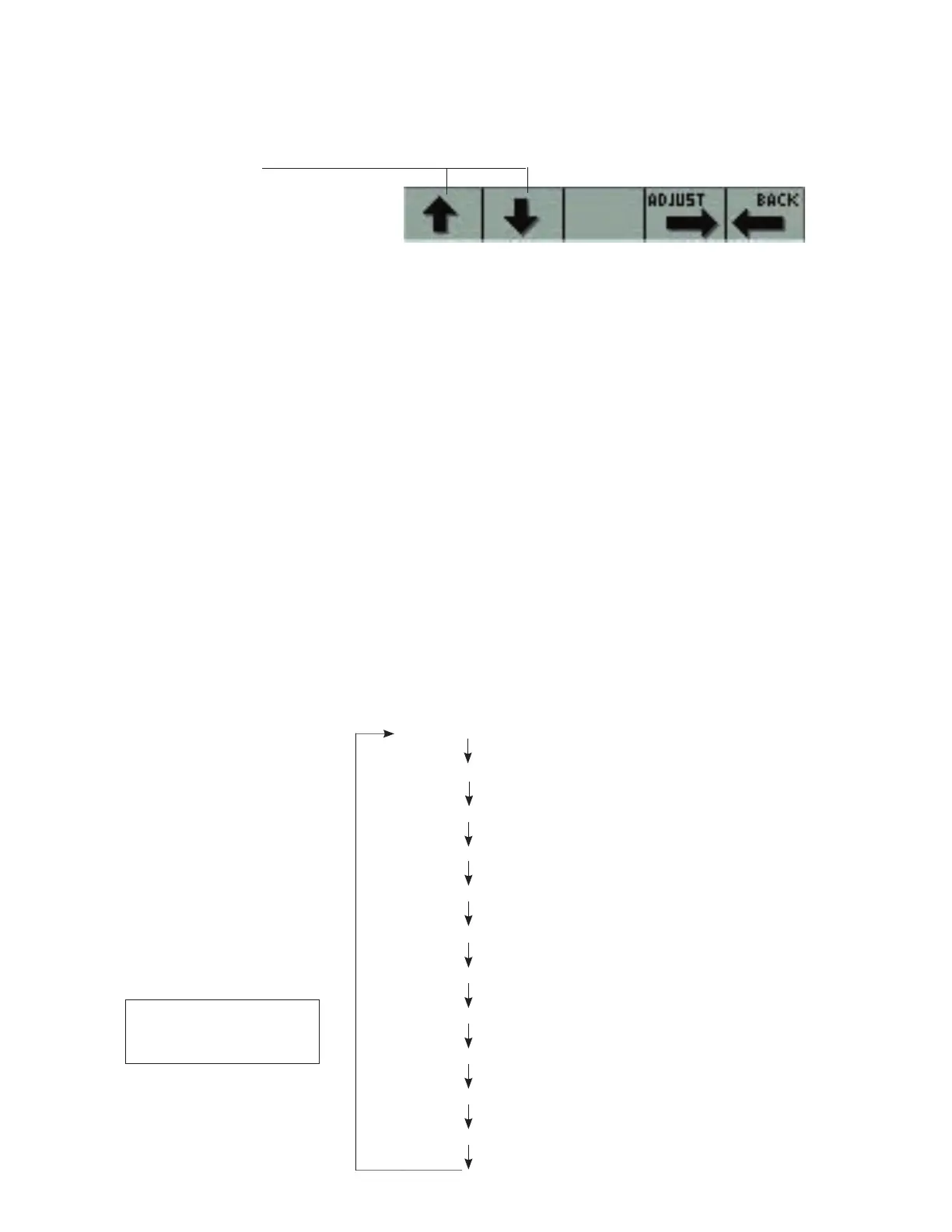
Changing the engine parameter to be viewed
To select an alternate engine parameter to be viewed, press the ADJUST key (Key 4)
PRESS KEY 4 then
Press the Up or Down arrow key to select the
engine parameter to be changed. This will place
a box around the selected parameter. Press the
ADJUST key (Key 4) to scroll through the viewable-
engine parameters to the one desired. Only
the parameters supported by a particular engine
model will be available for selection. Press the
BACK key when done making changes. NOTE:
The list of parameters shown below may not be
fully supported by the engine model selected.
Select engine parameters by pressing the
ADJUST key (Note: below is a list of typical
parameters that are available. Only parameters
supported by the engine model selected will be
available for viewing).
Display ENGINE SPEED
Display COOLANT TEMPERATURE
Display ENGINE OIL PRESSURE
Display SYSTEM VOLTAGE
Display INSTANTANEOUS FUEL RATE
Display ENGINE LOAD
Display INTAKE MANIFOLD TEMPERATURE
Display BOOST PRESSURE
Display THROTTLE POSITION
Display BAROMETRIC PRESSURE
Display SPEED (BOAT SPEED)*
*The boat speed input is optional
and must be set up separately.
See the appendix for details.



 To Next Page