17
Infra Red Control, Command Cable
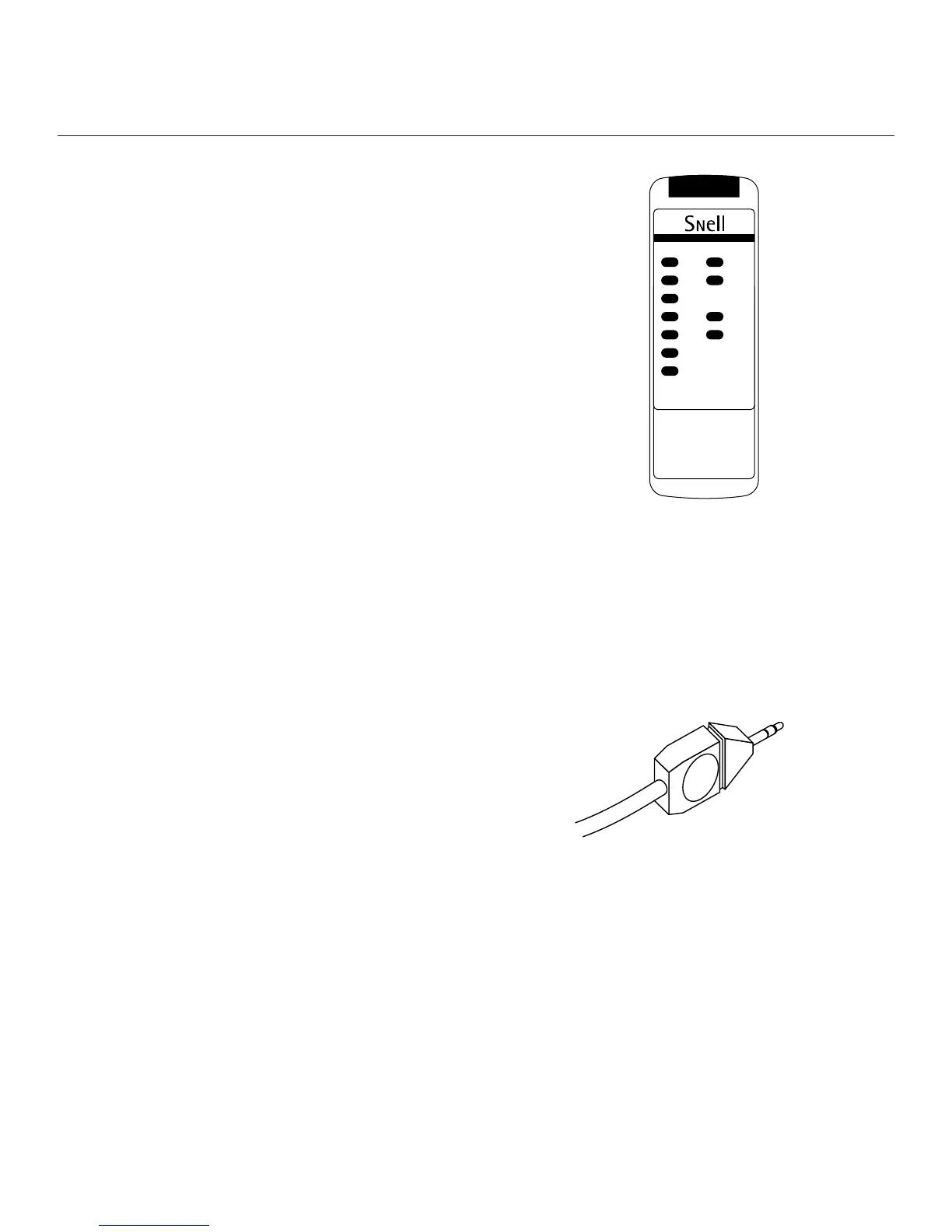
The remote control for the XA 90
ps
uses Infra Red (IR) to send
commands to both speakers. Generally, both speakers will see
commands through uninterrupted distances of up to 30 feet.
Sometimes, one of the speakers might not see the IR signal, so
we have included a cable to transfer commands from one tower
to the other. You might find a time where you are at the limits
of reception, with one speaker blocked, or perhaps aiming
toward one system and away from the other. In these cases, the
system that receives the commands will pass them on to the
other, thus assuring the best reception and that the two speak-
ers remain in sync.
Connect the supplied cable from speaker to speaker through
the jacks marked “remote link.” If a longer cable is required for
a special routing or for running wires through walls, it can be
custom-made using well-shielded coaxial and standard mono
1
⁄
8
-inch minijacks.
The control handset gives you control of bass level (in 2dB
steps) of bass rolloff shape, and of treble level.
Turn On Mode
The XA Towers include a feature for automatic turn on. The
subwoofer amplifier will come out of its low-power standby
mode when it senses a signal. A multicolored LED will designate
what state the amplifier is in. Yellow indicates standby, and
green indicates on. After the signal ceases, the system will revert
to standby mode in approximately 8 to 10 minutes. Both
speakers will not necessarily turn off at the same moment. As
an alternative to automatic turn on, the speaker can be set
to be always on. To choose between these two options, use the
switch marked “MUSIC SENSE-AUTO/ALWAYS ON.”
In some systems, the electrical noise floor (due to hum, refriger-
ator, or furnace-turn-on pops, etc.) is such that Music Sense-
Auto turn on is erratic. In this case, we recommend that the
switch be set to ALWAYS ON and manual switching via the main
power switch be used.
Power On
The main power switch is situated below the power input lead.
It is a rocker-type switch marked with a ”1” and a ”0.” Pressing
the end marked ”1” will turn on the main power to the system.
Some people prefer to turn off the main power if they know
that they will be gone from the house for an extended period
of time.
SPECIAL FEATURES


 To Next Page