Confirm
Transfer
Transfer
Line 2
Confirm
Hold
Hold
Confirm
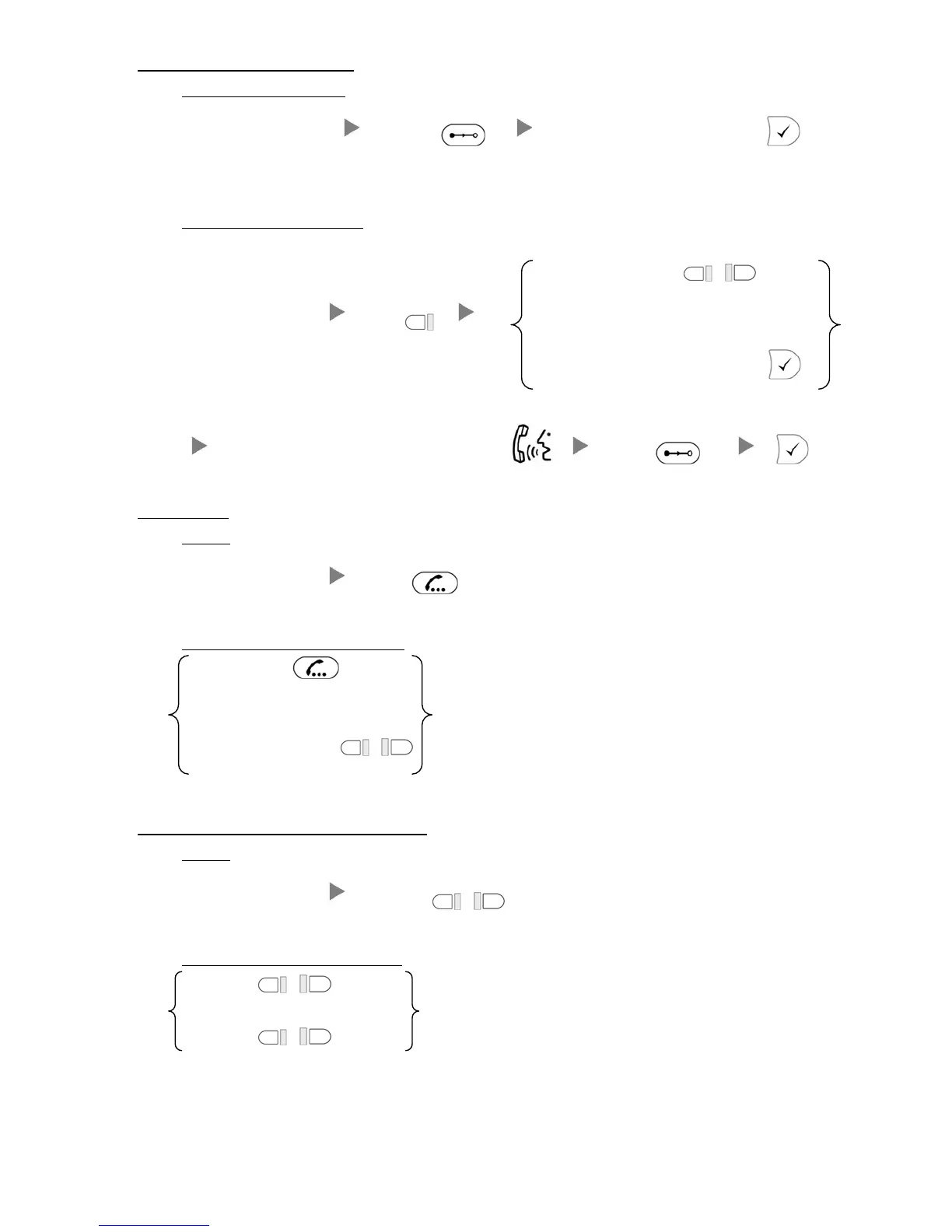
3. Transferring a Call / Call Transfer
i. Blind / Unattended Transfer
During a conservation Press Dial Extension Number and Press
ii. Supervised / Attended Transfer
Press Extension Key
or
During a conservation
Press Or
Dial Extension Number and Press
Inform 3
rd
party about the call you are transferring Press
4. Holding a Call
i. To Hold
During a conservation Press
ii. To Retrieve a call (Call Hold retrieve)
Press
Or
Press Flashing Line Key
or
5. Holding in a System Parking Zone (Call Park)
i. To Hold
During a conservation Press Park or
ii. To Retrieve a call (Call Park retrieve)
Press Park 1 or (Light On)
Or
Press Park 2
or (Light On)





 To Next Page