Settings
Confirm
Confirm
Settings
Confirm
Confirm
Settings
Directory
Confirm
Confirm
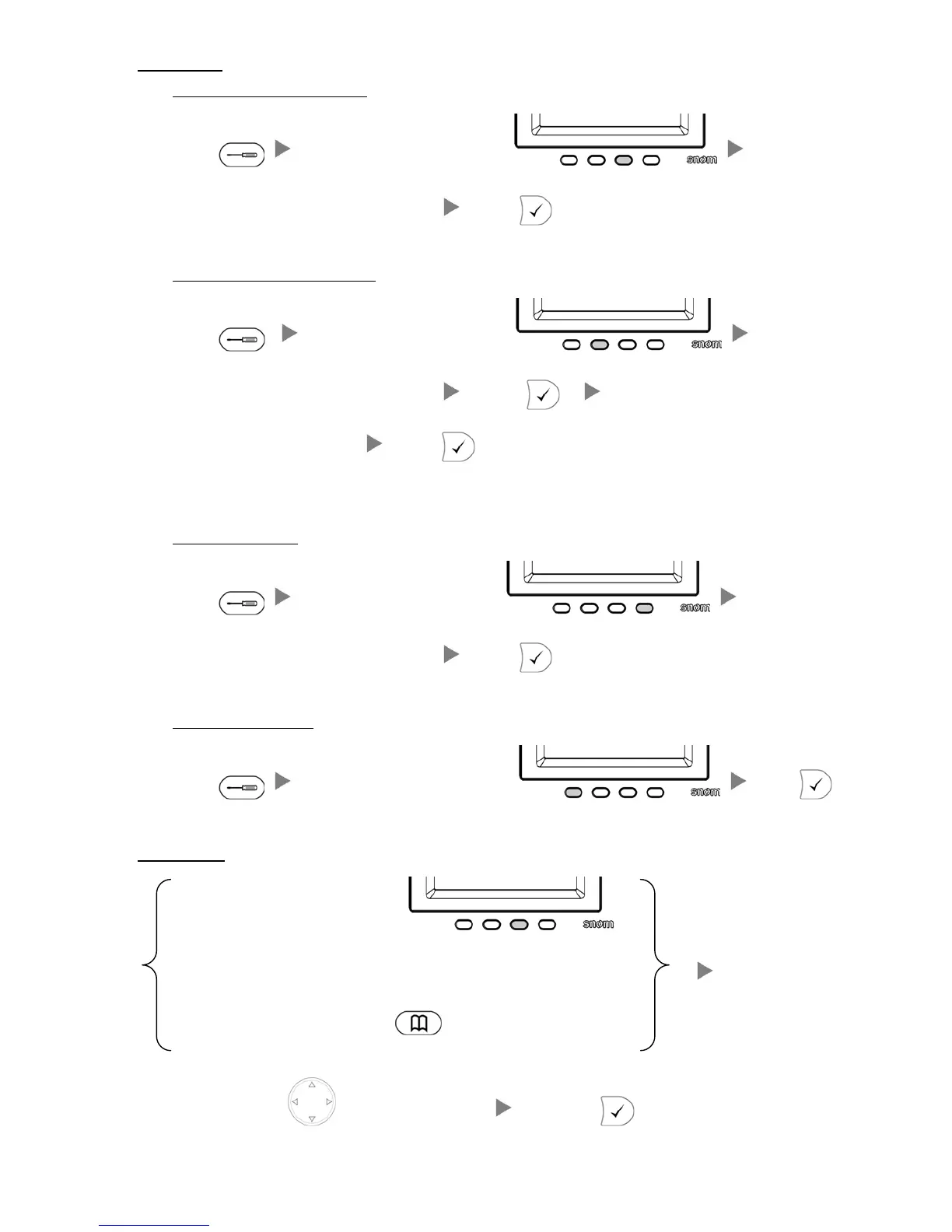
9. Forward Call
i. To set up All Call Forward Mode
Press Press the 3
rd
Key under the screen
Input the target extension Number (e.g. 108)
Press
ii. To set up Time / No Answer Mode
Press Press the 2
nd
Key under the screen
Input the target extension Number (e.g. 108)
Press
Input the Time (e.g. 20 second)
Press
iii. To set up Busy Mode
Press Press the 4
th
Key under the screen
Input the target extension Number (e.g. 108)
Press
iv. To Cancel Call Forward
Press Press the First Key under the screen Press
10. Address Book
Press the Third Key under the screen
Or
Press
Press the Navigation Key
to select the Address Press





 To Previous Page