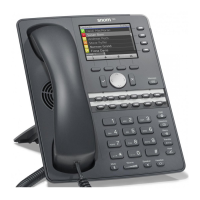
7
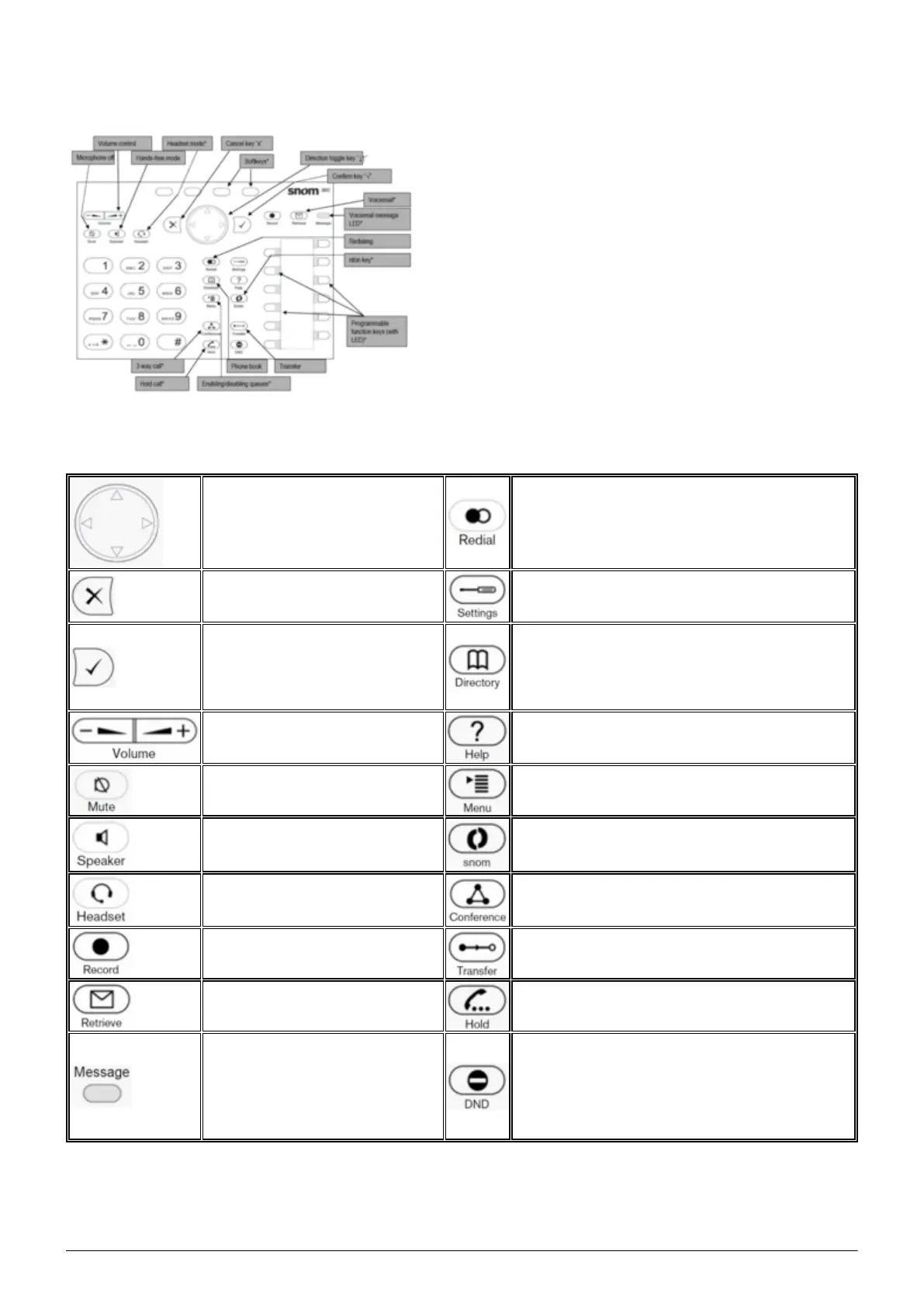
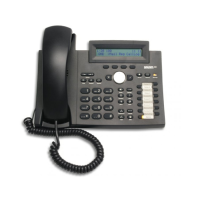
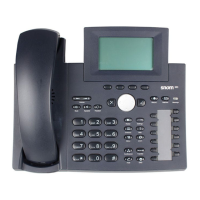
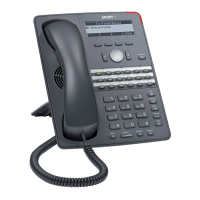
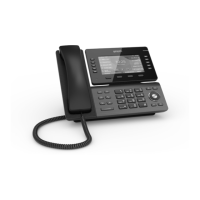
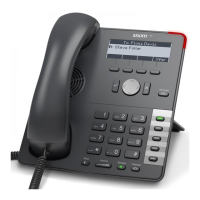
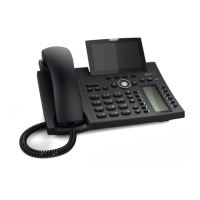
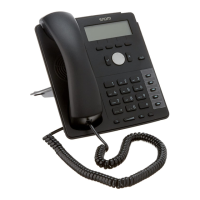
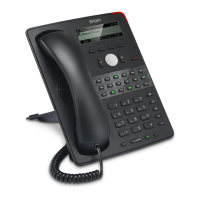
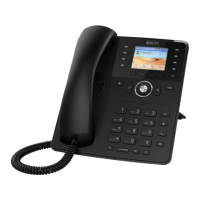
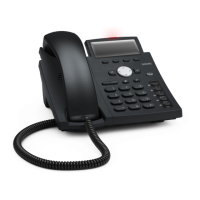
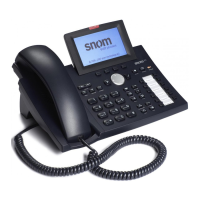
snom 320/360/370:
1.2. Keys in detail
You can use the “toggle key”
to scroll in the display.
On the start screen: Down ->
Settings Up -> Call lists
Redialing
Cancels an action or entry
Maintenance menu: The functions are
visible but not activated*
Confirms an action, selection
or entry
After pressing this key you can enter a
name to select a party. The phone book
must first be set up on the administration
portal – see administration portal manual
Adjusts the receiver or ringer
volume.
Shows device SIP, IP and MAC address*
Switches the microphone off
during a call
Enables queues to be enabled or disabled*
Hands-free mode (able to
answer)
Enables queues to be enabled or disabled*
Headset mode (able to
answer)*
starts a 3-way call*
Record call (inactive)* Transferring calls
Access voicemail* Hold call*
Voicemail message LED
Do Not Disturb mode on/off. The telephone
won’t ring, same as for "call forwarding...
delayed” to the caller
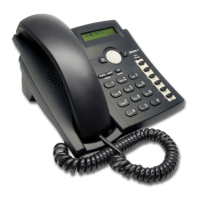
On the snom 300, please press the mute
key to switch to DND
*) not on snom 300


 To Next Page