8
1.3. Outgoing call
When dialing an internal telephone number, only the extension needs to be entered.
When dialing external telephone numbers, you must first dial ‘0’, then enter the external
number.
- To complete the dialing process, press the confirm key in either case or pick up the receiver.
If the receiver is not lifted the call will be placed in hands-free mode.
- To end the call, return the receiver to the cradle (for calls in hands-free mode), simply press the
cancel key .
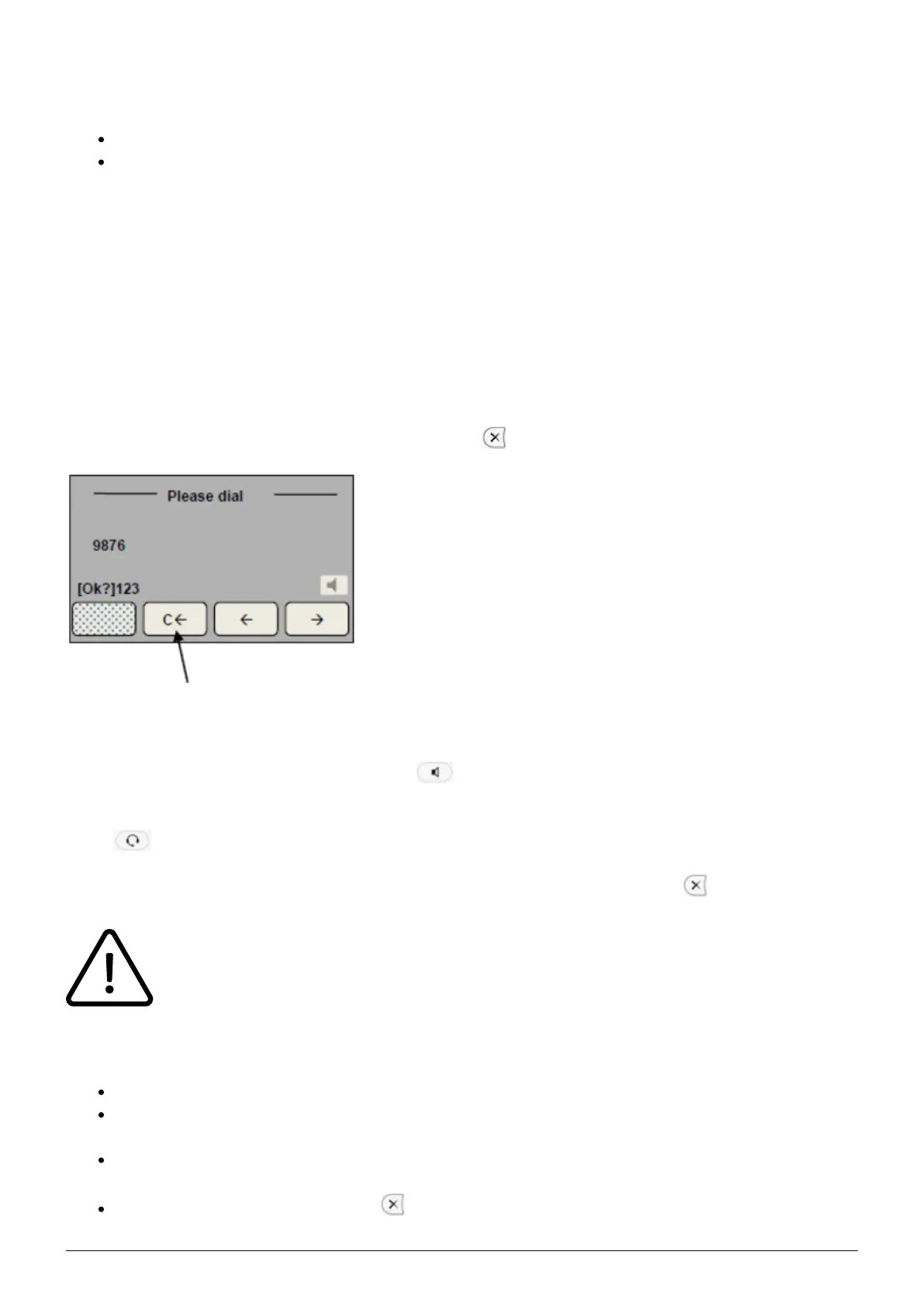
- If you made an incorrect entry while dialing the number, you can correct the entry with the “C←”
key (softkey function).
Or delete the entire entry by pressing the cancel key .
1.4. Incoming call
- Pick up receiver or press the ‘Speaker’ key for hands-free mode.
With a headset connection you can answer the call by simply pressing the ‘Headset’ key in headset
mode .
- After ending the call return the receiver to the cradle or press the cancel key .
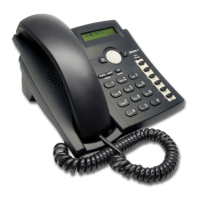
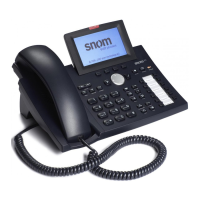
To enter the headset mode on the snom 300, hold the speaker key for two seconds.
1.5. Call waiting and toggling calls
If you are already making a call, the top left LED lights up.
A call waiting tone indicates a second call is coming in. At the same time LED 1 flashes. Press
the “Function key” (next to LED) to answer the call.
You can now toggle between the calls by directly pressing the “Function keys”. In doing so, the
active call is indicated with a steady LED light and the waiting call with a flashing LED light.
To end a call press the cancel key . Returning the receiver to the cradle ends both calls.


 To Next Page