EasyManua.ls Logo

Snom D785N - Deleting an Entry

Snom D785N
117 pages
Print Icon
To Next Page IconTo Next Page
To Previous Page IconTo Previous Page
Loading...
48
D785 / D785N User Manual Directories
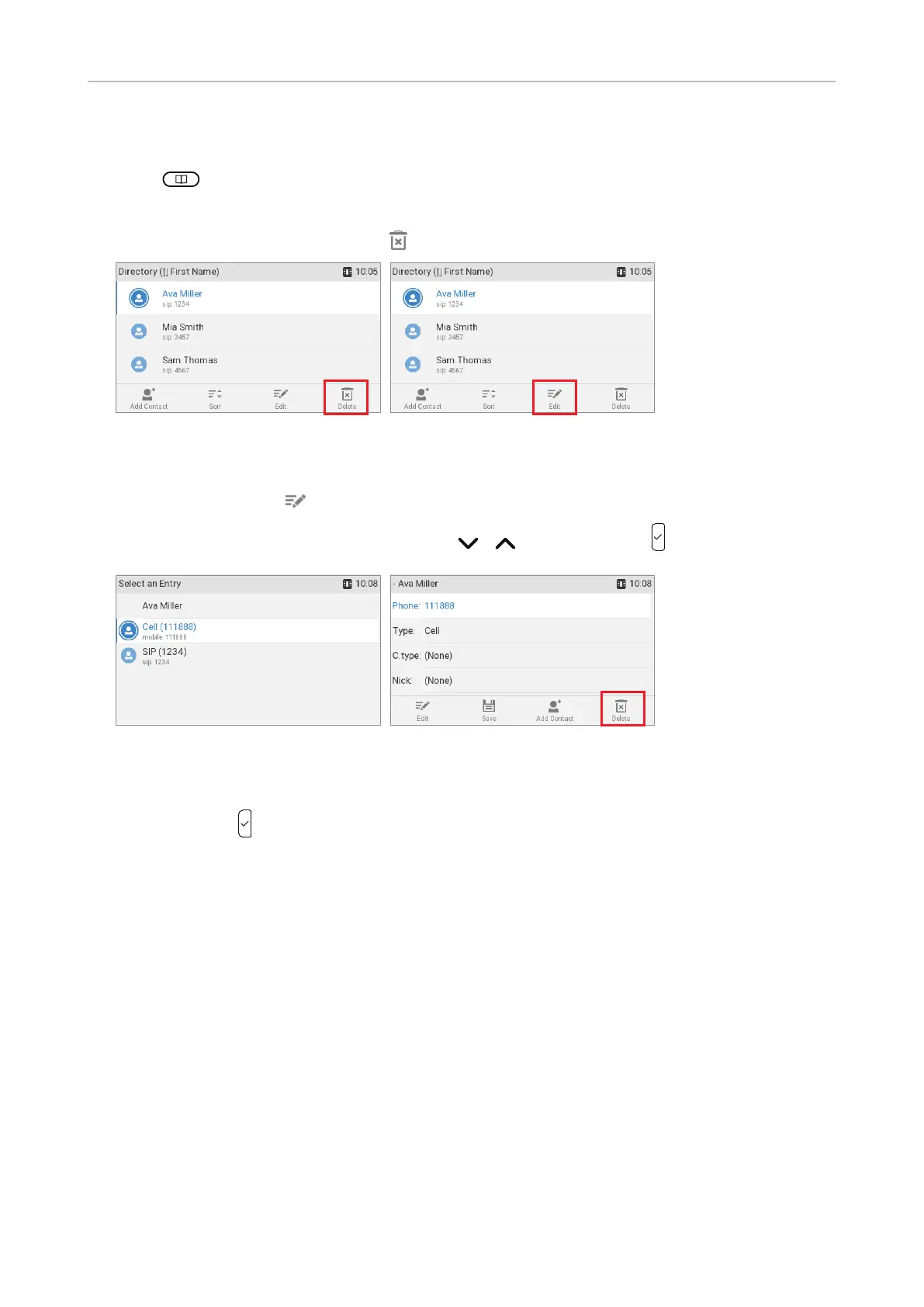
Deleting an entry
1.  
2. 
3.  continue with step 5, below.
Fig. 1 Fig. 2
a. more than one phone number
 
b. Select the number you want to delete with   .
Fig. 3 Fig. 4
4. 
5.  to delete the entry or phone number.

Table of Contents

Related product manuals