EasyManua.ls Logo

Snom D785N - Language Settings of Phone and Web Interface

Snom D785N
117 pages
Print Icon
To Next Page IconTo Next Page
To Previous Page IconTo Previous Page
Loading...
84
D785 / D785N User Manual Customizing the Phone Settings
On the phone
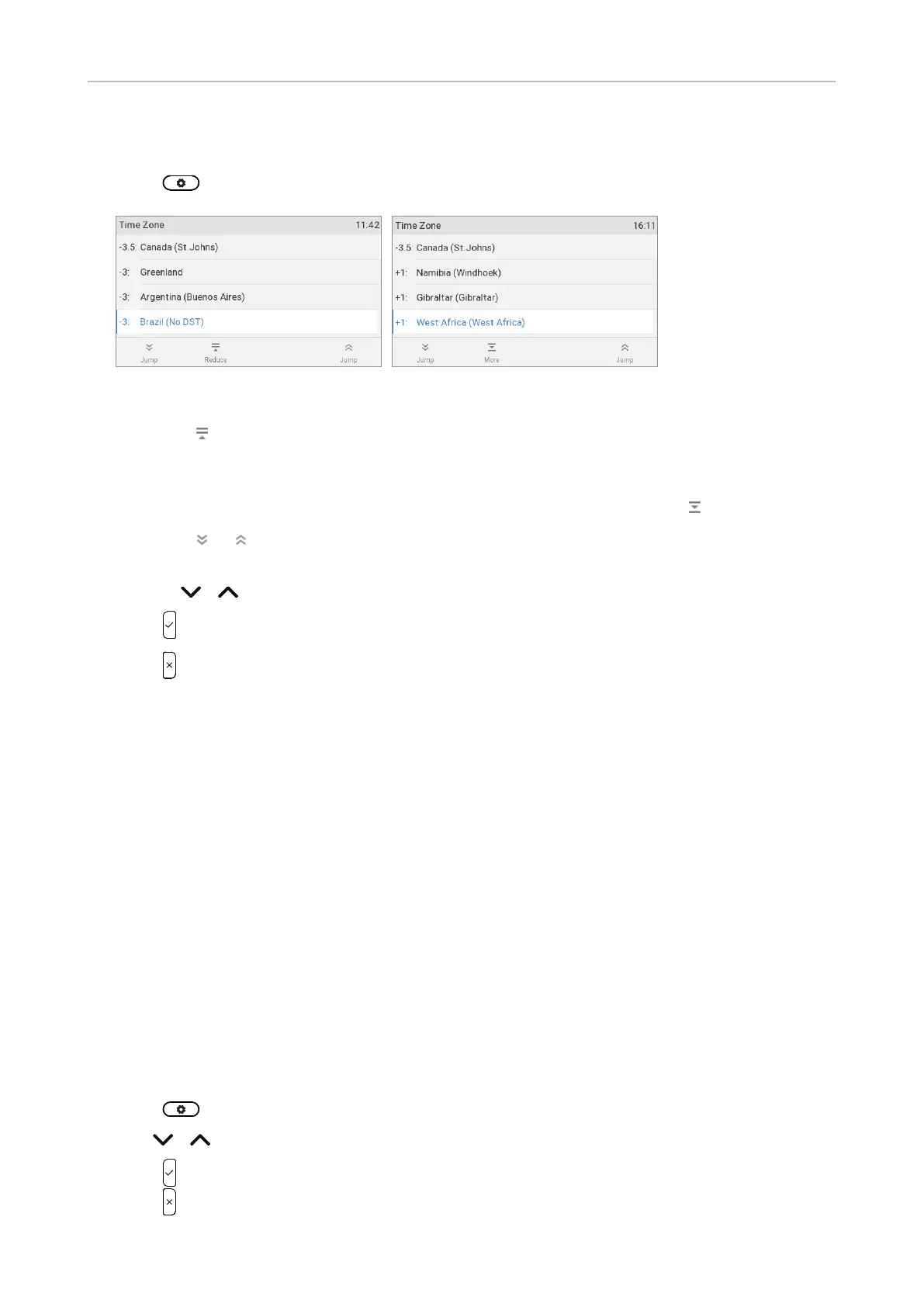
1.  PreferencesDate & TimeTime Zone.
Fig. 1 Fig. 2
 


 
  

  
2.  
3.  
On the web interface
1. Open the Advanced SettingsNetworkTimeTime zone.
2. 
3. Click on Apply and Save.
Language settings of phone and web interface


Phone language
Setting on the phone
1.  Preferences Language.
2.   
3.  
4.  

Table of Contents

Related product manuals