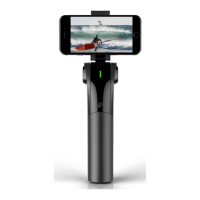
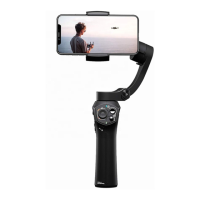
11
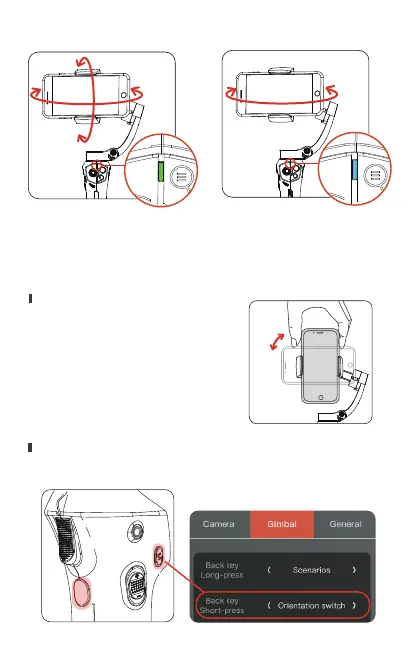
Omni-direction follow mode Pan follow mode
Manual rotate:
Button rotation:Set a customizable key with “orientation
switch” function, and switch the orientation with the key.
15.Horizontal/Vertical orientation switch
Hold the phone with your hand
and rotate it 90 degrees.
Turn
Orientation can be switched between horizontal and vertical
by two methods:


 To Next Page