12
16. Quick follow mode
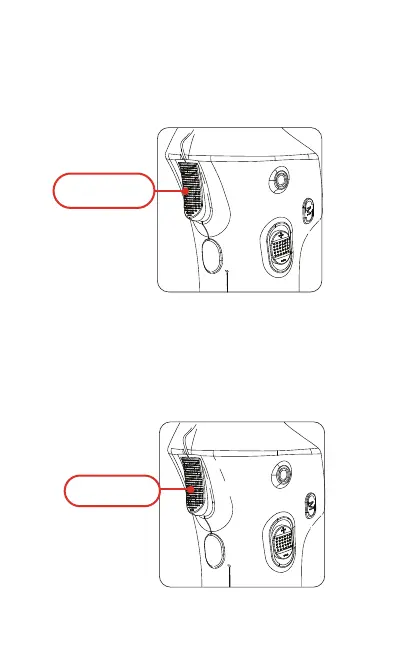
Press, press again and hold the trigger button, the gimbal will turn
to quick follow mode. In the quick follow mode, the gimbal will
move fast responding to arm’s movement, which is better for
tracking fast moving object.
17. Direction lock
Press, press again
and hold
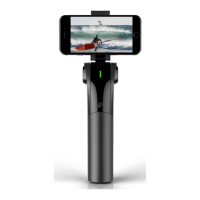
Press the trigger button and hold, the gimbal’s direction will be
locked. When the trigger button is released, the gimbal will return
to the normal following mode.
Press and hold


 To Next Page