Step 7 Installing the Snow Platinum PC Software (Windows 10 ONLY)
Download, save, unzip and install the latest Snow Platinum Software from
https://www.snowperformance.net/instructions.asp
Launch the software.
Step 8 Connecting the Controller via USB
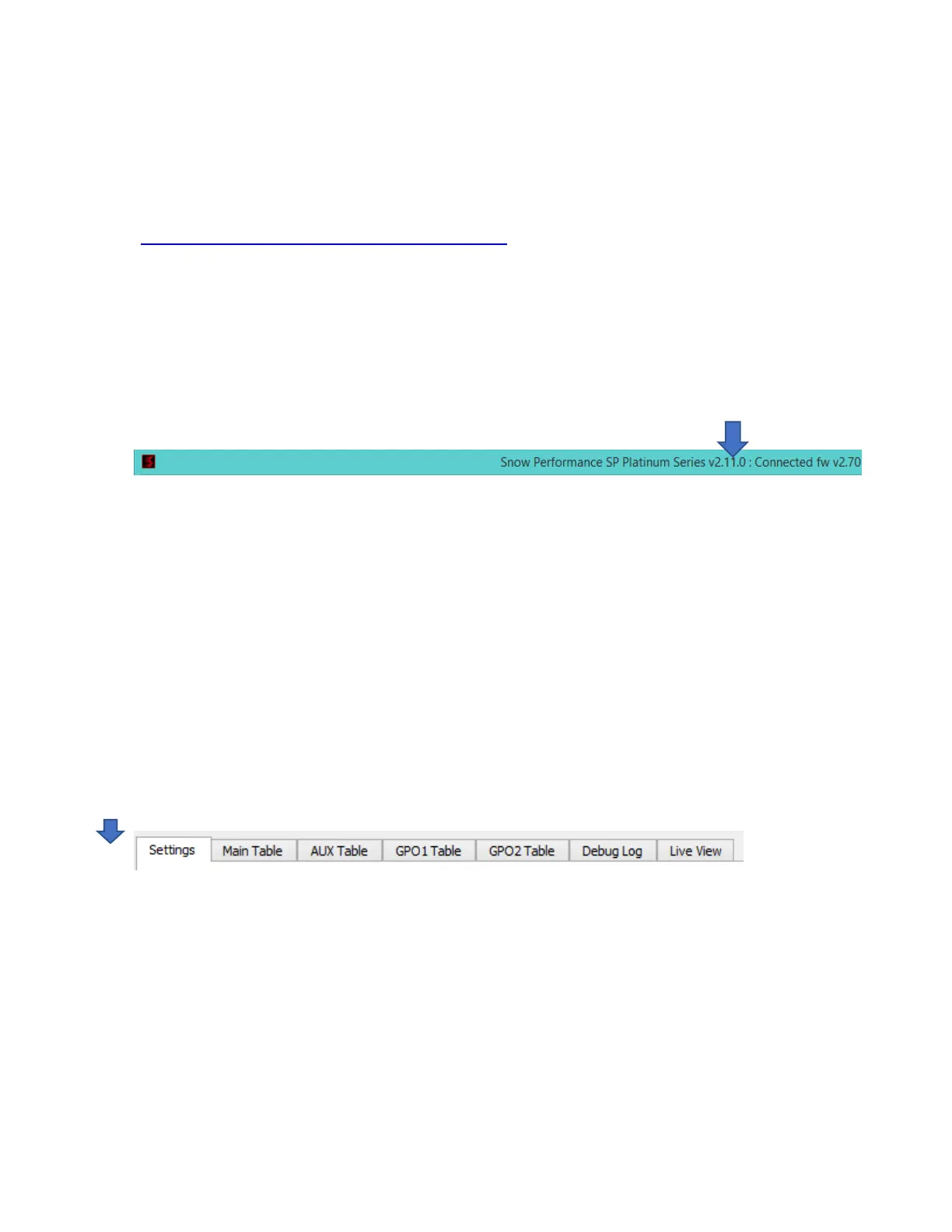
With the PC Software launched, connect the laptop to the controller using the provided USB cable.
Ensure the word “Connected” is displayed at the top and that the second LED from the top on the
controller is illuminated. This indicates that Window’s enumerated the controller’s USB connection. This
may be instant on take a couple of minutes the first time.
Step 9 Wiring Checkout
At this point it’s useful to check that the wiring is all correct. PLEASE NOTE this will run the pump, so ensure
the feed to the engine is disconnected and any fluid in the lines is drained into a bucket or a plastic bottle.
Turn the key so IGN is ON, but don’t start the engine
On the Settings tab
Scroll down to the Output Overrides section and click in the MAIN output pump field and type in 50 and
click Set.



 To Next Page