4
IV
. SETTING MODES AND FUNCTIONS :
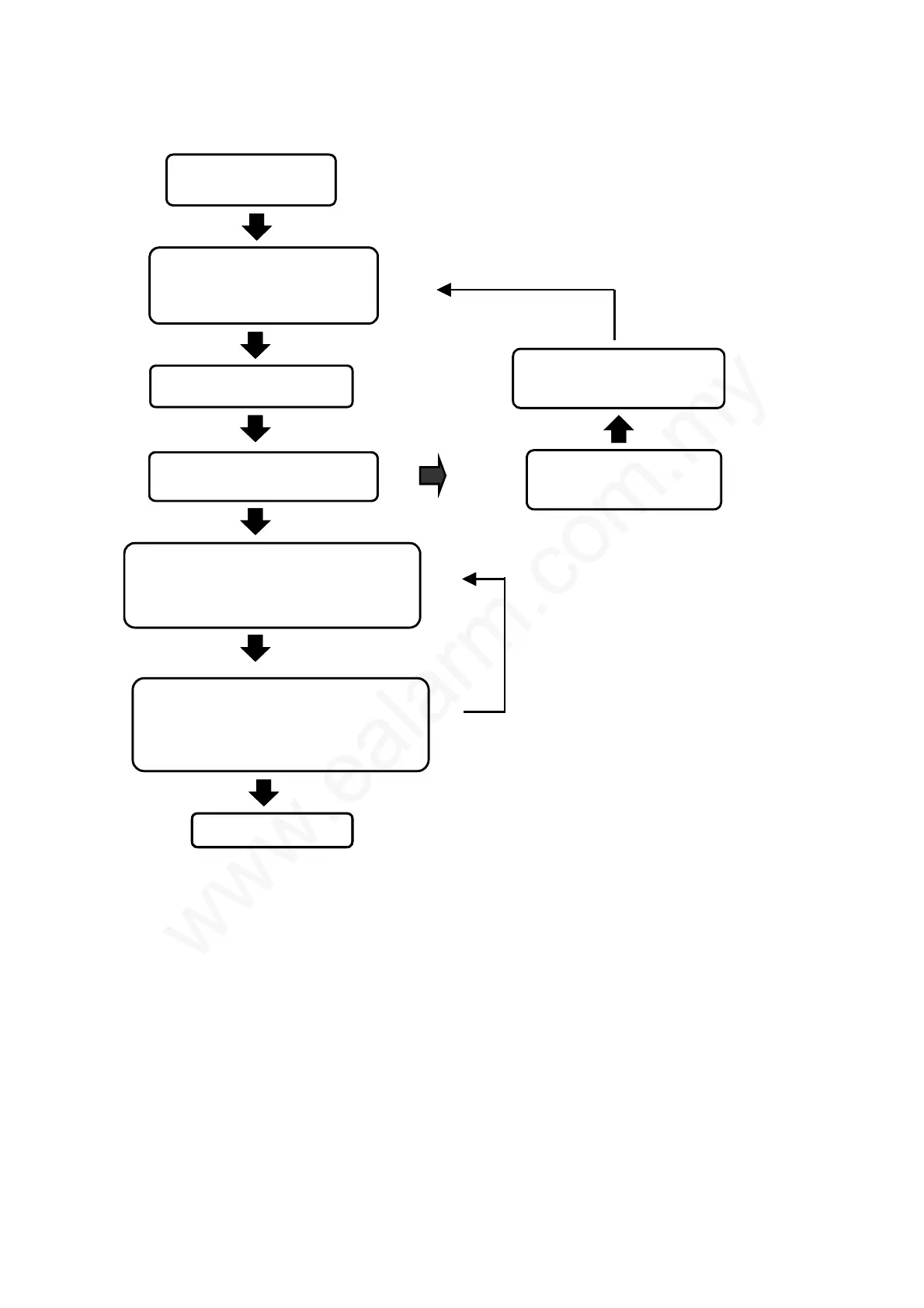
To enter into the system setting mode, first press
*
#, then enter
If not, turn off the power supply
immediately.
T
NO
Ensure the power adapter’s
voltage and polarity are fitted
correctly.
YES
Refer to appendix
(Mounting of reader unit.)
Users could install either 6-pin or
8-pin connector to see fit. Please refer
to item 5 in installation guide on page.
11-12.
Power supply to the reader.
Check if the power (RED) indicator
lights up.
If there isn’t any activation within
20 seconds, this system will
automatically escape from the
setting mode.
Completion of setting
Enter system password ( ¼#4567#), then a beep
sound and green light appear to enter into
setting mode.
Enter 1 (register the proximity card) or 6
(batch registration). Then, register all the
user’s proximity cards and key tags. When
completed, press ½ to escape from the
setting mode.
If not, turn off the power supply
immediately.
T
NO
Ensure the power adapter’s
voltage and polarity are fitted
correctly.
YES
Refer to appendix
(Mounting of reader unit.)
Users could install either 6-pin or
8-pin connector to see fit. Please refer
to item 5 in installation guide on page.
11-12.
Power supply to the reader.
Check if the power (RED) indicator
lights up.
Check if the power (RED) indicator
lights up.
If there isn’t any activation within
20 seconds, this system will
automatically escape from the
setting mode.
Completion of settingCompletion of setting
Enter system password ( ¼#4567#), then a beep
sound and green light appear to enter into
setting mode.
Enter 1 (register the proximity card) or 6
(batch registration). Then, register all the
user’s proximity cards and key tags. When
completed, press ½ to escape from the
setting mode.



 To Next Page