6
On the above operation if “
*
” is being pressed, the setting
modes will be terminated, provided that there isn’t any key
being entered. Any key-in being done prior to this operation
will be deleted.
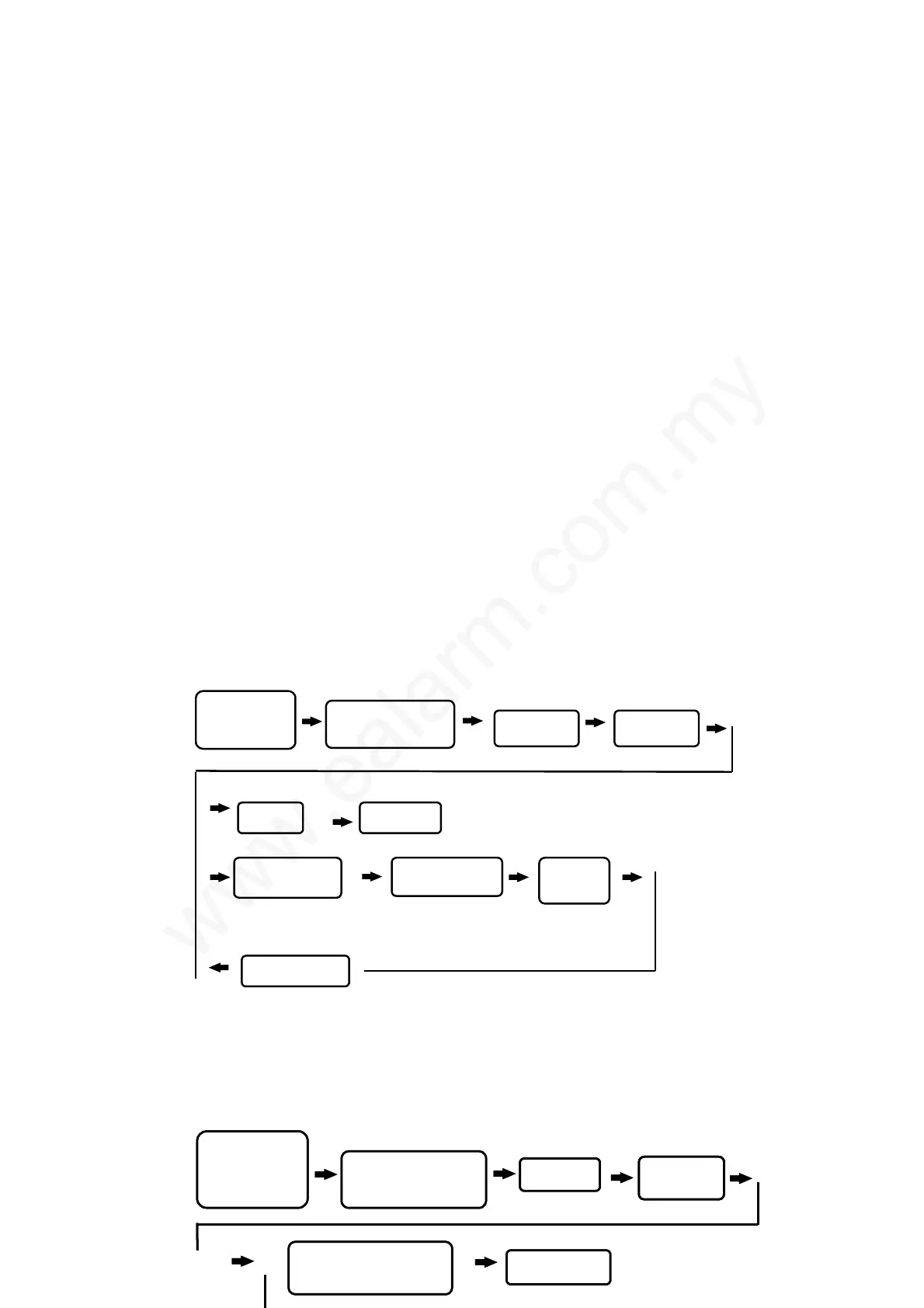
3. Change of 8 sets of user’s password:
4. Door lock time setting :
This setting is to determine its unlock
time. Time can be set from 01-99 seconds.
PRESS *
TERMINATE
ENTER SET OF
CODE ( 1 - 8 )
1 BEEP
SOUND
SUCCESSFULLY
ENTER NEW
4-DIGIT CODE
ENTER NEXT ONE
PRESS 3
ENTER
“½ # ” SYSTEM
PASSWORD “# ”
STATUS LIGHT ON
WITH A BEEP SOUND
1BEEP
SOUND
PRESS 4
ENTER
“½# ” SYSTEM
PASSWORD “# ”
STATUS LIGHT ON
WITH A BEEP SOUND
COMPLETED
SET THE DOOR LOCK
DURATION 01-99
1 BEEP
SOUND
PRESS 4PRESS 4
ENTER
“½# ” SYSTEM
PASSWORD “# ”
STATUS LIGHT ON
WITH A BEEP SOUND
COMPLETED
SET THE DOOR LOCK
DURATION 01-99
1 BEEP
SOUND
1 BEEP
SOUND



 To Next Page