BASIC FUNCTIONALITY
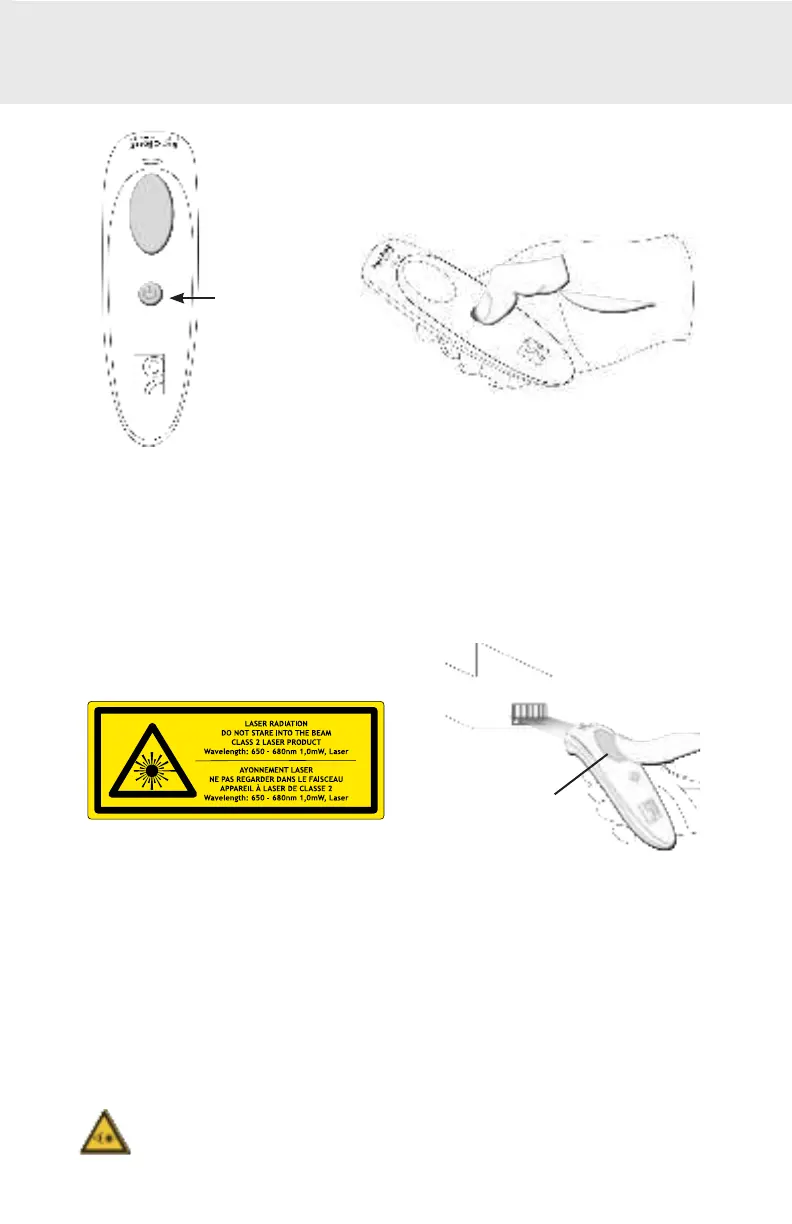
Powering On:
Press and hold down t he small power but t on unt il t he LED t urns blue and t he
CHS beeps t wice (low-high).
Powering Off/ Disconnecting:
Press and hold down t he small power but t on unt il t he CHS beeps
t wice (high-low).
Power but t on
5
Scanning Barcodes
1. Hold t he scanner a f ew inches f rom t he barcode.
2. Aim t he scan beam across t he ent ire barcode, press and hold t he
t rigger but t on.
By def ault , t he scanner will beep, vibrat e, and t he scan indicat or will
ash green to conrm a successful scan.
Caut ion: Do not st are direct ly int o t he scanner’ s laser beam.
Trigger but t on















 To Next Page