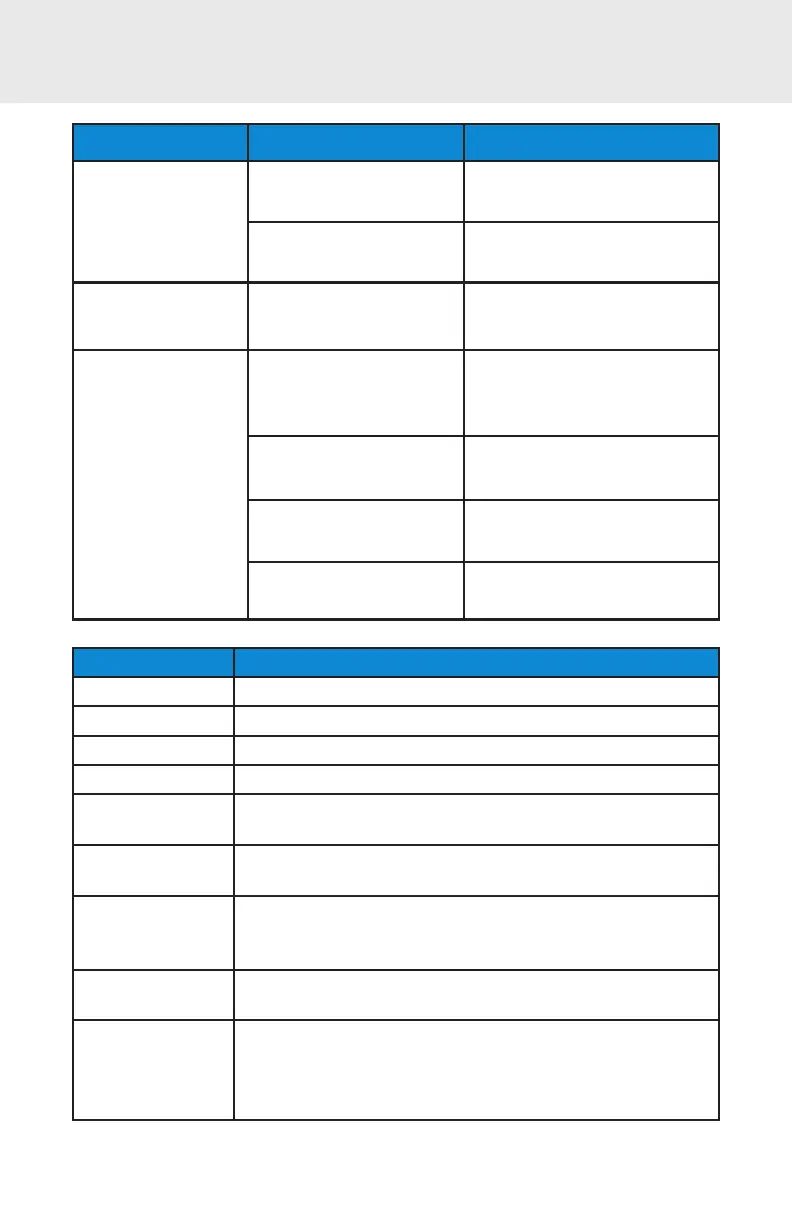
STATUS INDICATORS
Status LED Act ivit y Meaning
Bluet oot h
1 Blue blink every
second
Bluet oot h is On but not
connect ed.
1 Blue blink every 3
seconds
CHS is connect ed t o device.
Good Read
Green Const ant
(while scanning)
Dat a successf ully scanned.
Bat t ery St at us
Red Blinking
(while scanning and no
AC power)
20% or less bat t ery capacit y
remaining.
Red Const ant
(while AC power)
Bat t ery is charging.
Of f (no l ight )
(while AC power)
Bat t ery is f ully charged.
Of f (no l ight )
(while no AC power)
CHS is Of f.
Beep Pattern Meaning
Low-high t one Power On
High-low t one Power Off
1 low beep Keyboard Pop-up Enable
1 beep CHS connect ed t o device and ready t o scan barcodes.
1 beep wit h
Green LED blink
Dat a successf ully scanned.
2 beeps, same
t one
CHS disconnect ed f rom device.
1 long beep
CHS t ried mult iple t imes unsuccessf ully t o connect t o t he
last device it paired with. After 5 minutes the CHS will
power off .
3 beeps wit h
escalat ing t one
CHS recognized t he Command Barcode and implement ed
t he change.
3 beeps wit h
escalat ing t one
followed by a
long t one
CHS recognized t he Command Barcode, but could not
implement t he change. Verif y t he Command Barcode is
valid and ret ry.
15















 To Next Page