10. After several seconds, the CHS will reconnect to the computer, indicated by a beep.
The CHS will beep once when it has connected and is ready to scan barcodes.
The LED will also blink blue once every 3 seconds. A CHS icon will also appear
in the task tray.
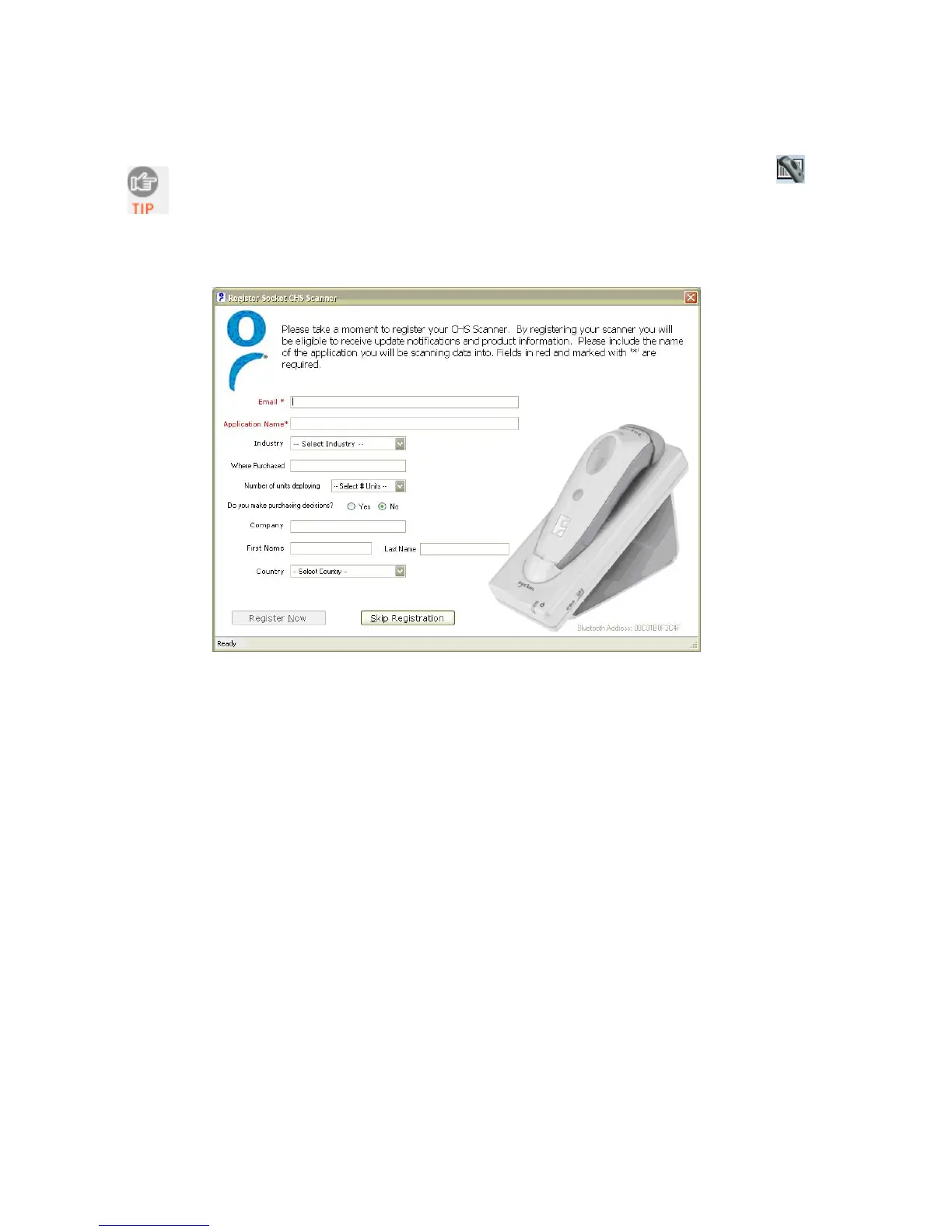
11. Click X to close Socket EZ Pair. The CHS Registration screen will appear. If desired,
register your CHS.
26















 To Next Page