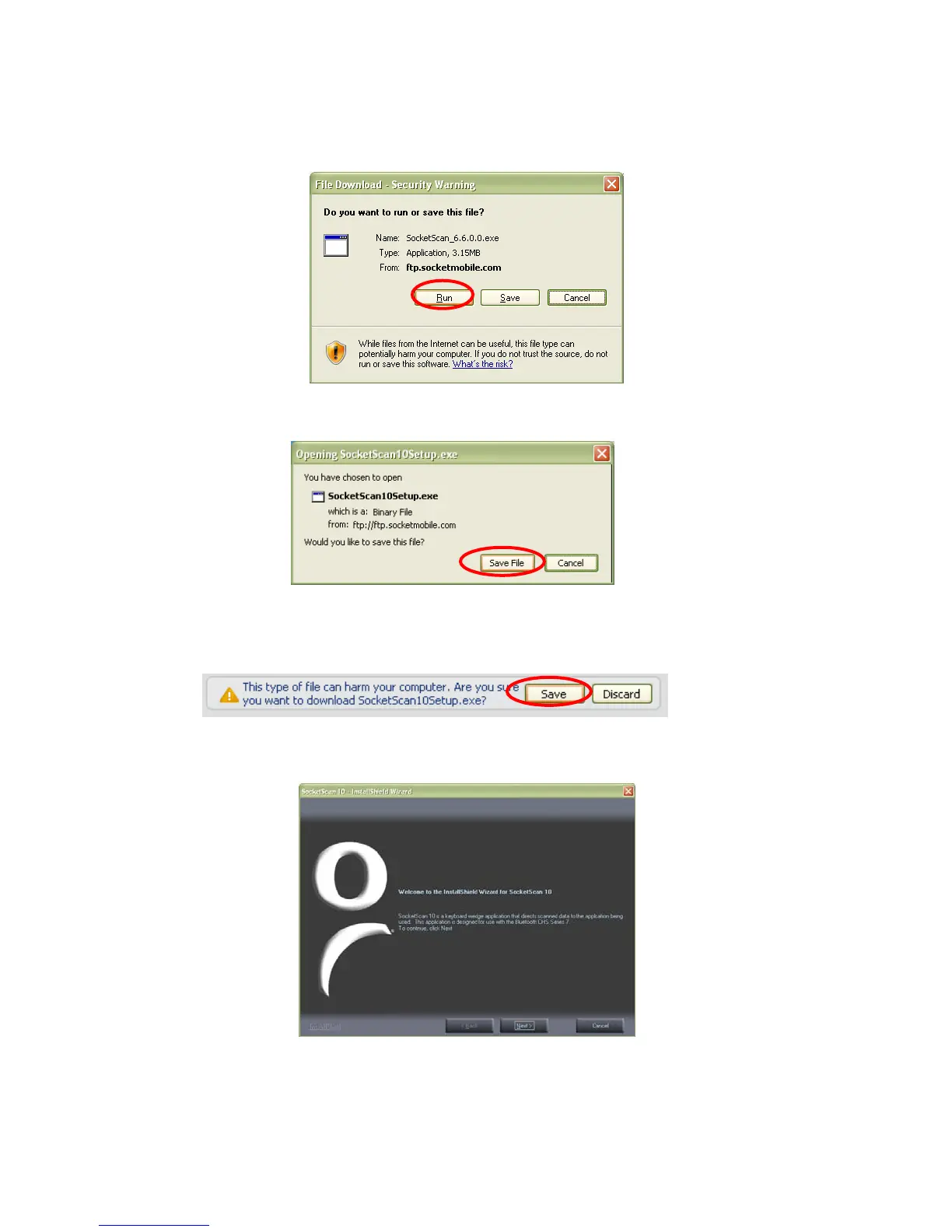
4. Download and run the installation file.
• For Internet Explorer, in the Security Warning screens, click Run.
• For Firefox, click Save File. In the Downloads list, double-click on the
SocketScan10Setup.exe file. In the Open Executable File? screen, click OK.
• For Chrome, click Save at the bottom of the screen. Click on the link for the
SocketScan10Setup.exe file. In the Security Warning screen, click Run.
5. The installation wizard will launch. Follow it to install software for Windows Mobile.
40















 To Next Page