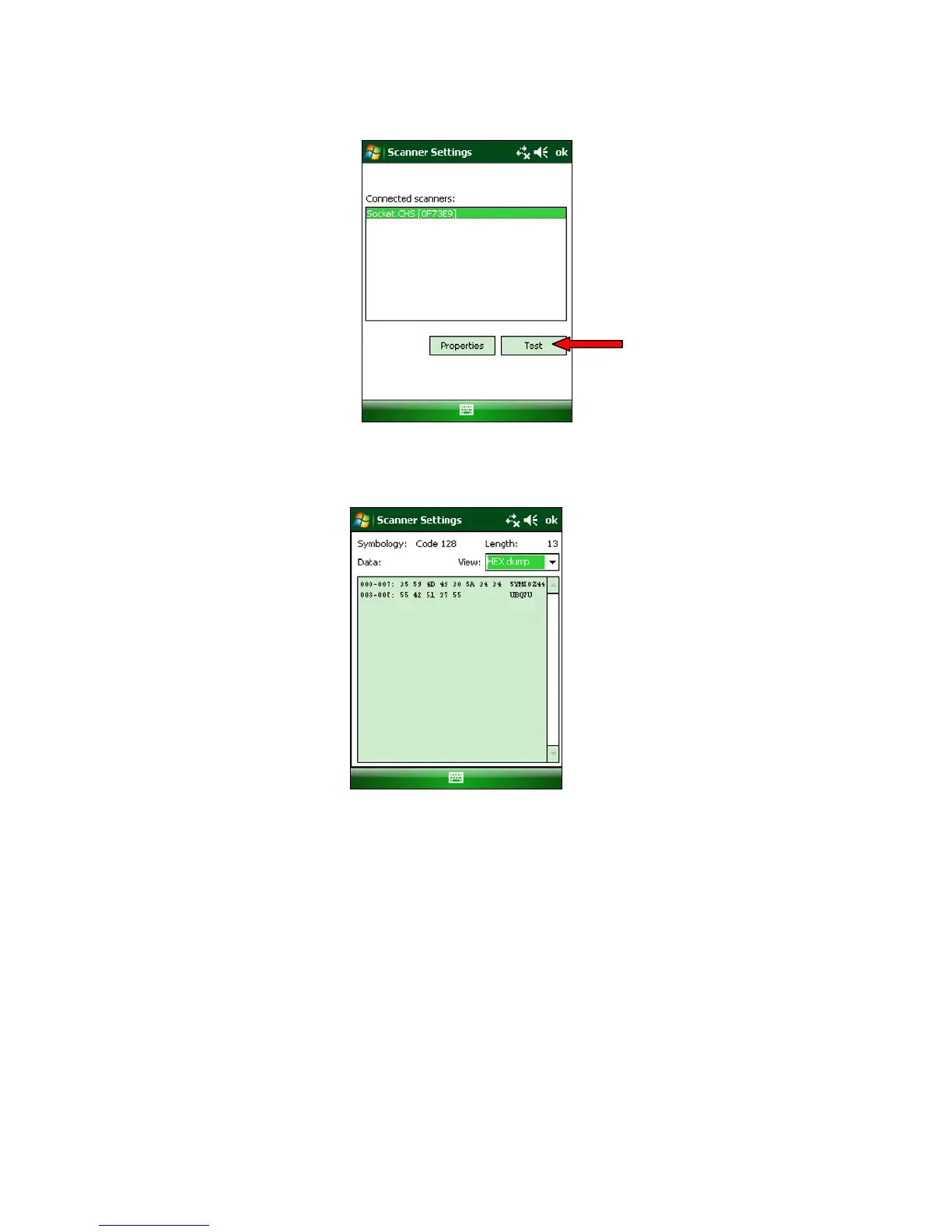
8. If desired, tap Test to test scanning a barcode.
9. Scan a barcode that you would like information about. SocketScan will report the
barcode’s symbology, data length, and data, in your choice of ASCII text or Hexadecimal
format.
10. After testing a barcode, tap ok. Click ok to exit Scanner Settings.
52















 To Next Page