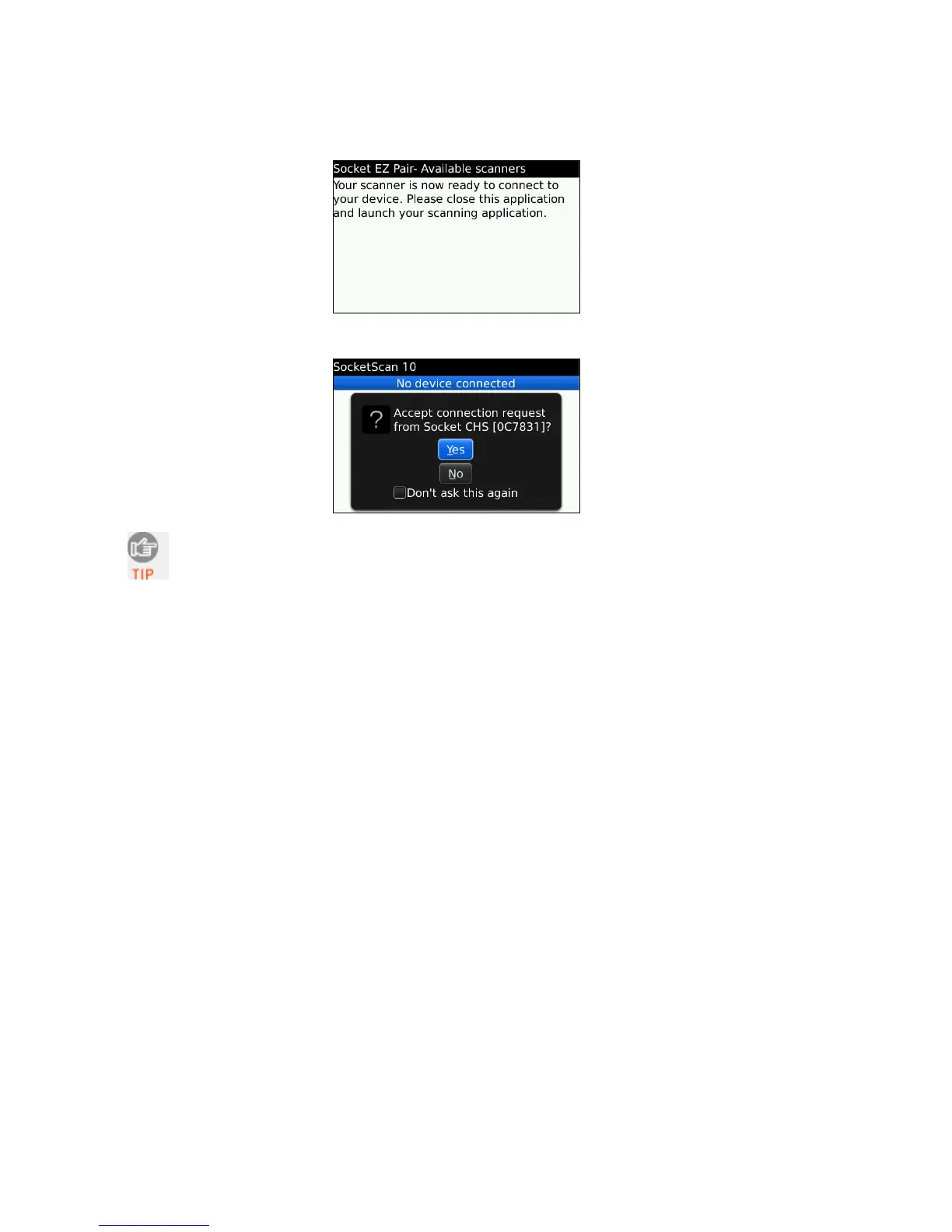
13. After they pair and connect, the CHS will beep once to confirm the connection, then
beep twice to signal a disconnection. Click Menu | Close to close Socket EZ Pair.
14. SocketScan 10 will try to connect to the CHS. If asked to confirm, click Yes.
The CHS will beep once when it has connected and is ready to scan barcodes.
The LED will also blink blue once every 3 seconds.
15. The registration screen will appear. If desired, register your CHS.
CHAPTER 7: SETUP FOR BLACKBERRY 79















 To Next Page