CHAPTER 2: SCANNER SETUP 11
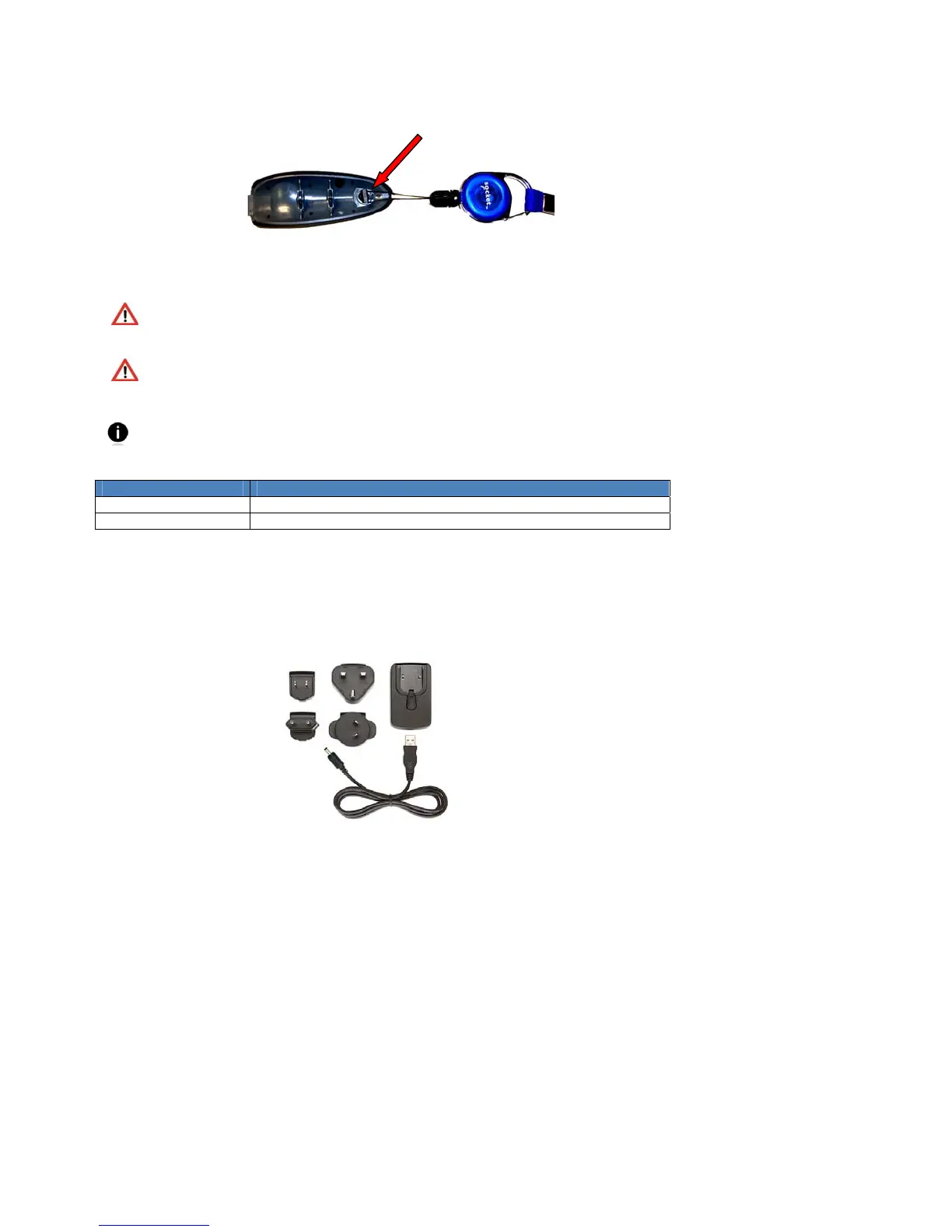
4. If desired, attach the tether to the battery cover. Wrap the string loop around the inside
part of the lock.
5. Replace the battery cover and turn the lock to a vertical position to secure it.
WARNING: Installing the batteries incorrectly may damage the scanner.
WARNING: Charge ONLY NiMH batteries in the CHS. Charging alkaline or other
battery types will damage the scanner. Remove the batteries if the CHS will not be
used for more than 30 days.
The red Battery Status LED will not function properly if standard AAA non-
rechargeable batteries are being used.
Property Specification
Battery Type NiMH rechargeable AAA
Battery Life ~19 hours to scan 15,000+ barcodes for new, fully charged batterie
ASSEMBLING THE AC ADAPTER
If you wish to charge the CHS with the AC adapter, the correct plug for your region must
be attached first. Four different plugs are included. Simply find the correct plug for your
region and slide it into the head of the adapter until it latches. Plug in the cable, making
sure the USB connector is oriented the correct way.















 To Next Page