CHAPTER 3: SETUP FOR APPLE IOS 15
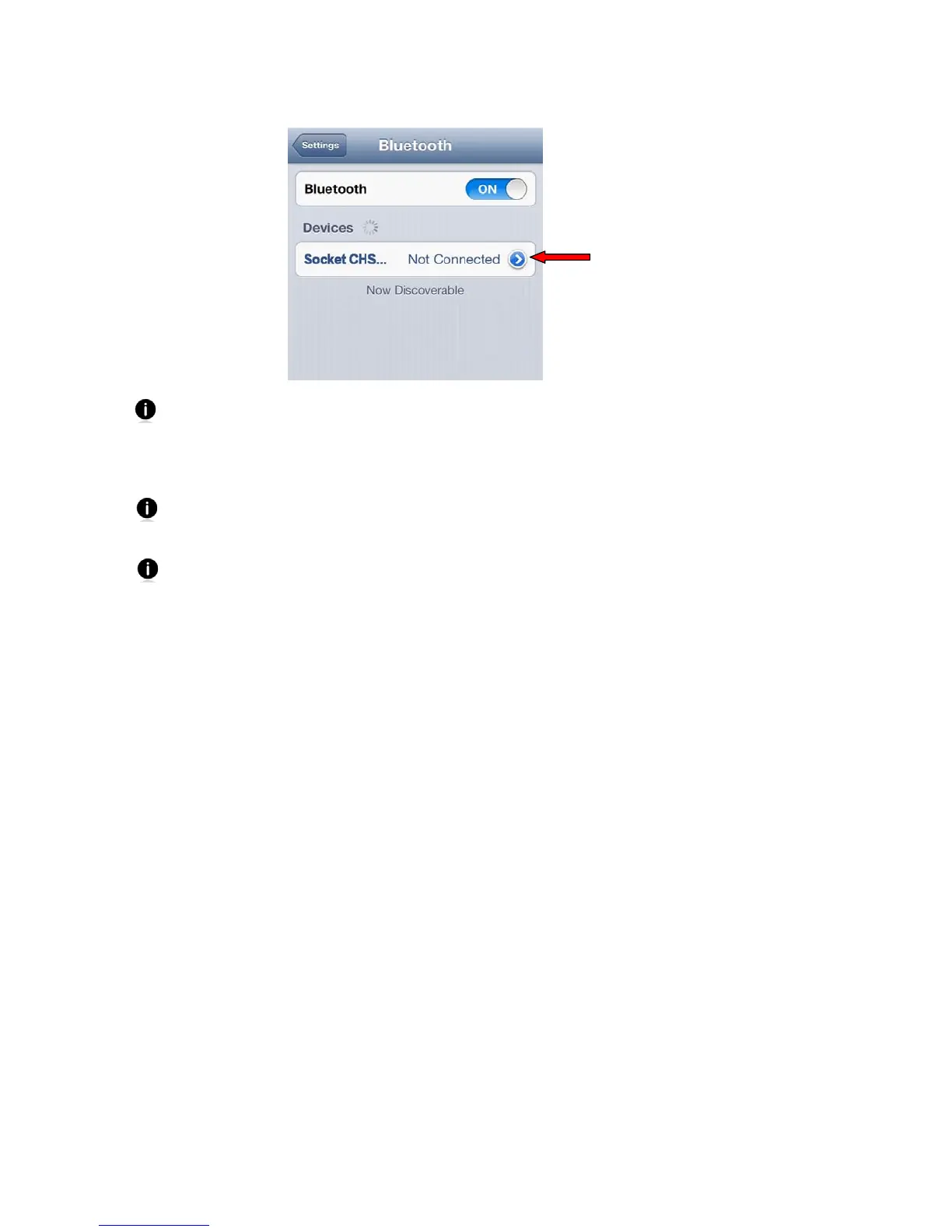
3. Select Socket CHS [xxxxxx] (initially it will appear as Keyboard).
The characters in brackets are the last six characters of the CHS Bluetooth Address,
which is labeled inside the battery compartment.
4. A notification will inform you of a pairing request. Tap Pair. The CHS will connect to
the Apple device. If prompted, enter the passkey 0000 (four zeroes).
The CHS will beep once after it has connected and is ready to scan barcodes. The
LED will also blink blue once every 3 seconds.
The soft keyboard will automatically disappear a few seconds after the CHS connects,
because the CHS is detected as a Bluetooth keyboard. To make the on-screen
keyboard appear while connected to the CHS, see instructions on page 17.















 To Next Page