18
OPTION 2: USING THE CHS IN IOS MODE
IMPORTANT! Follow the instructions below ONLY if you are using a
compatible iOS application developed with SocketScan 10 SDK!
To view a selected listing of compatible iOS applications developed with SocketScan 10
SDK, please visit: http://www.socketmobile.com/appstore
The SDK is available to members of the Socket Mobile Developer Program ($19.95 / year).
For more information, visit: http://developer.socketmobile.com
The proper setup instructions may vary depending on your application. Follow the
instructions provided by your software application developer.
To install the software:
Install a compatible application that was developed with SocketScan 10 SDK onto your
device. Follow the installation instructions from the application developer.
To pair the CHS with the Apple device:
You only need to pair the CHS with your Apple device the first time you try to connect.
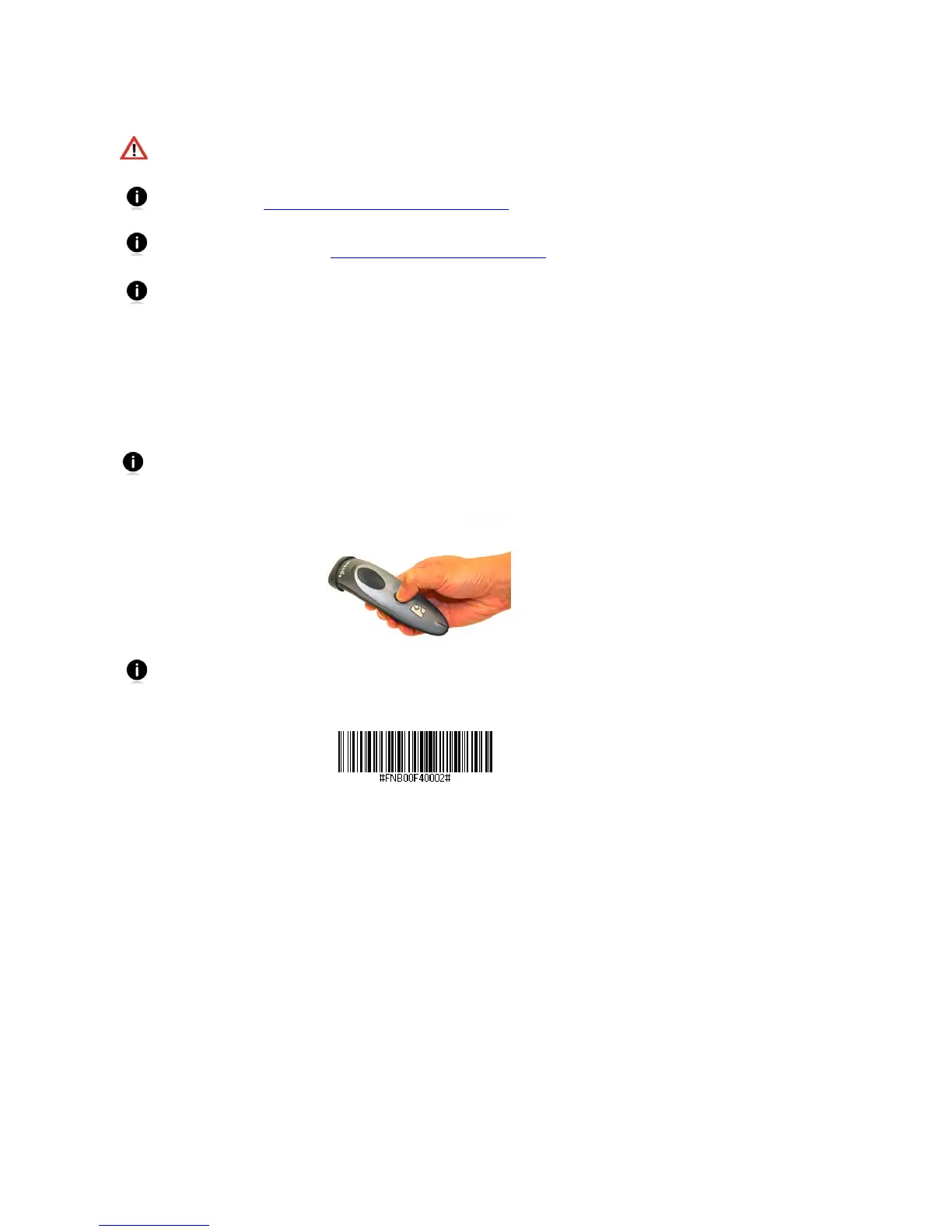
1. Power on the CHS. Press and hold the small power button until the LED turns blue and the
CHS beeps twice (low-high).
The LED blinks blue once per second to show that the Bluetooth radio is on but not
connected.
2. Scan this barcode to change the CHS to iOS mode. The CHS will beep 3 times.
3. Open the compatible application that you installed.















 To Next Page