CHAPTER 4: SETUP FOR ANDROID 35
SCANNER SETTINGS (SPP MODE ONLY)
These special features only work when the CHS is connected to your Android
device.
Status Bar Icon
When SocketScan 10 is running, an icon that indicates the CHS connection status will appear
at the top of the screen.
CHS not connected CHS connected
To open Scanner Settings:
In the main screen of SocketScan 10, touch Scanner Settings.
The CHS will close SocketScan 10 Keyboard wedge, disconnect (indicated by 2
beeps (high-low)), open Scanner Settings and reconnect (indicated by a beep).
Basic Scanner Information
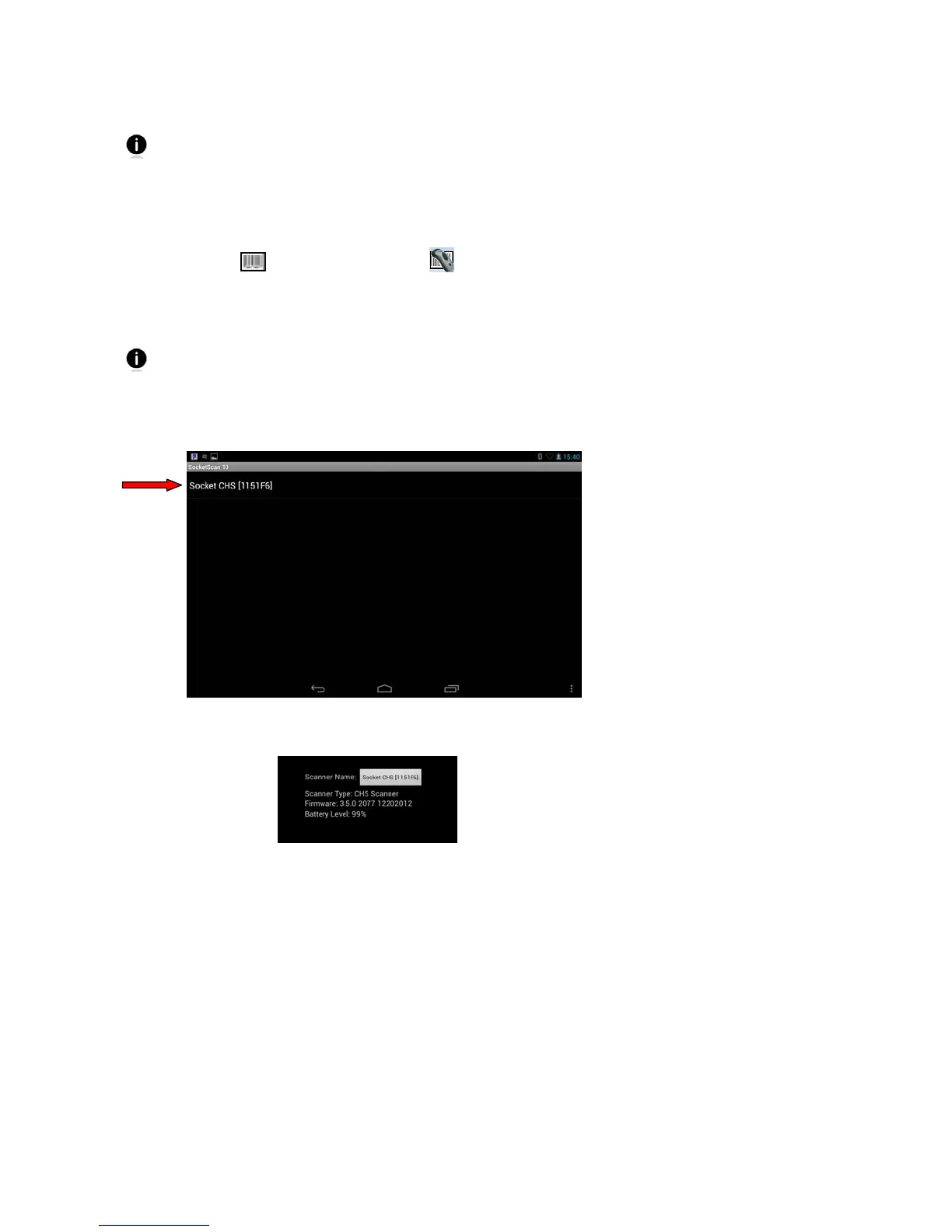
1. In the main screen of Scanner Settings, touch Socket CHS.
2. The screen will report the Bluetooth friendly name, scanner type, firmware version, and
battery level of your CHS. To change the Bluetooth friendly name, touch Socket CHS.















 To Next Page