40
SOCKETSCAN 10 SETTINGS (SPP MODE ONLY)
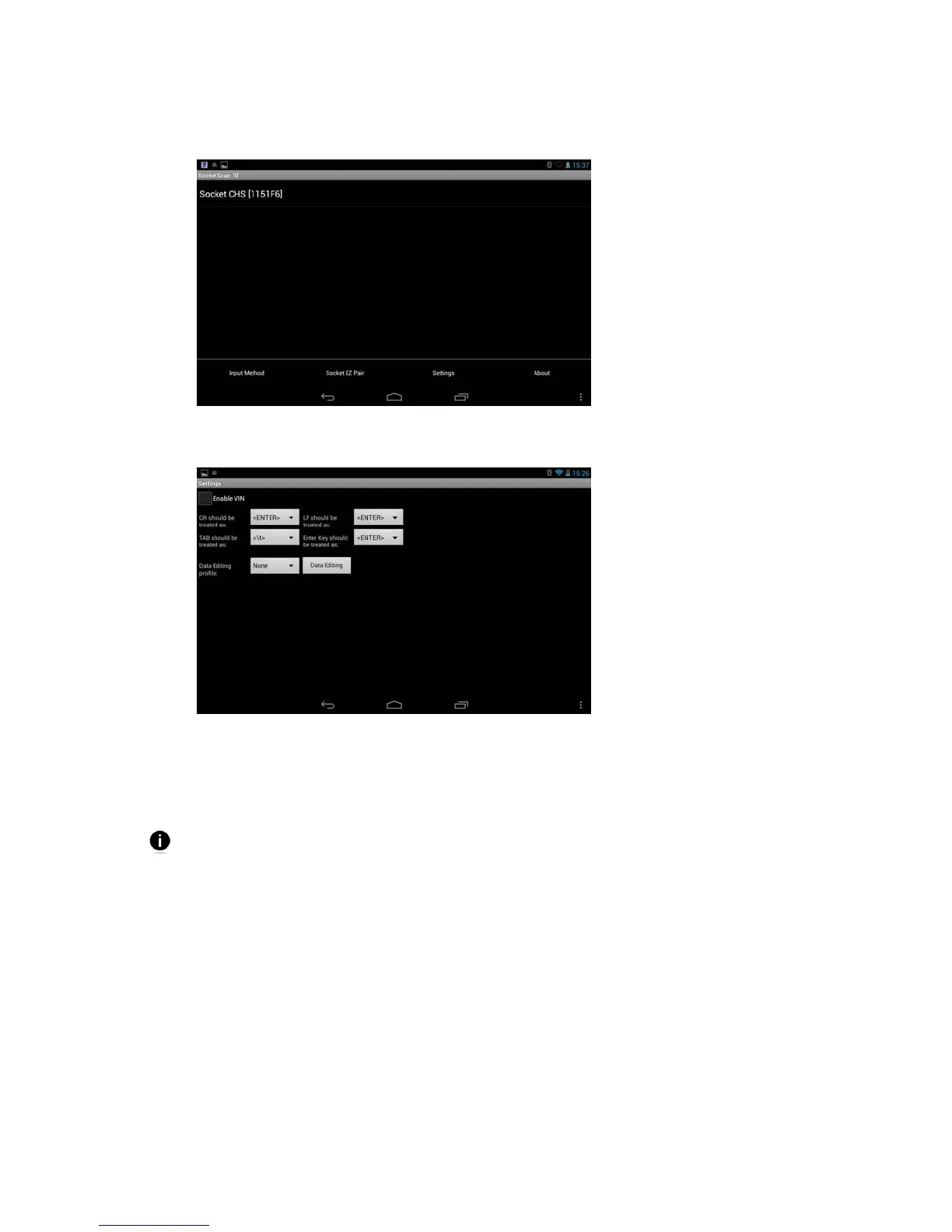
In SocketScan 10, touch Menu | Settings
General Settings
Enable VIN: Select this option if you want SocketScan 10 to automatically remove the
barcode prefix after you scan a Vehicle Identification Number (VIN).
Suffix Settings: If your barcode contains codes for Carriage Return (CR), Line Feed
(LF), TAB and/or Enter Key, select how you would like them to be treated.
While some applications (e.g., notepad type applications) directly store codes like
Carriage Return or Line Feed within a document, some JavaScript or web form
applications prefer codes like \r or \n.
Data Editing profile: If you previously created and saved a data editing profile, select
which profile you would like SocketScan 10 to apply when decoding barcodes.















 To Next Page