54
OPTION 2: USING THE CHS IN SPP MODE
To install SocketScan 10 software:
1. Find out if your system has a 32- or 64-bit processor. In the control panel, click System
and check the System type.
2. Windows 8 or 7: Make sure you have administrative privileges to install software.
3. Access the SocketScan 10 installation file from the Socket website.
Open: http://www.socketmobile.com/support/downloads/data-collection/series7/ss10/
Click on the link for the appropriate exe file.
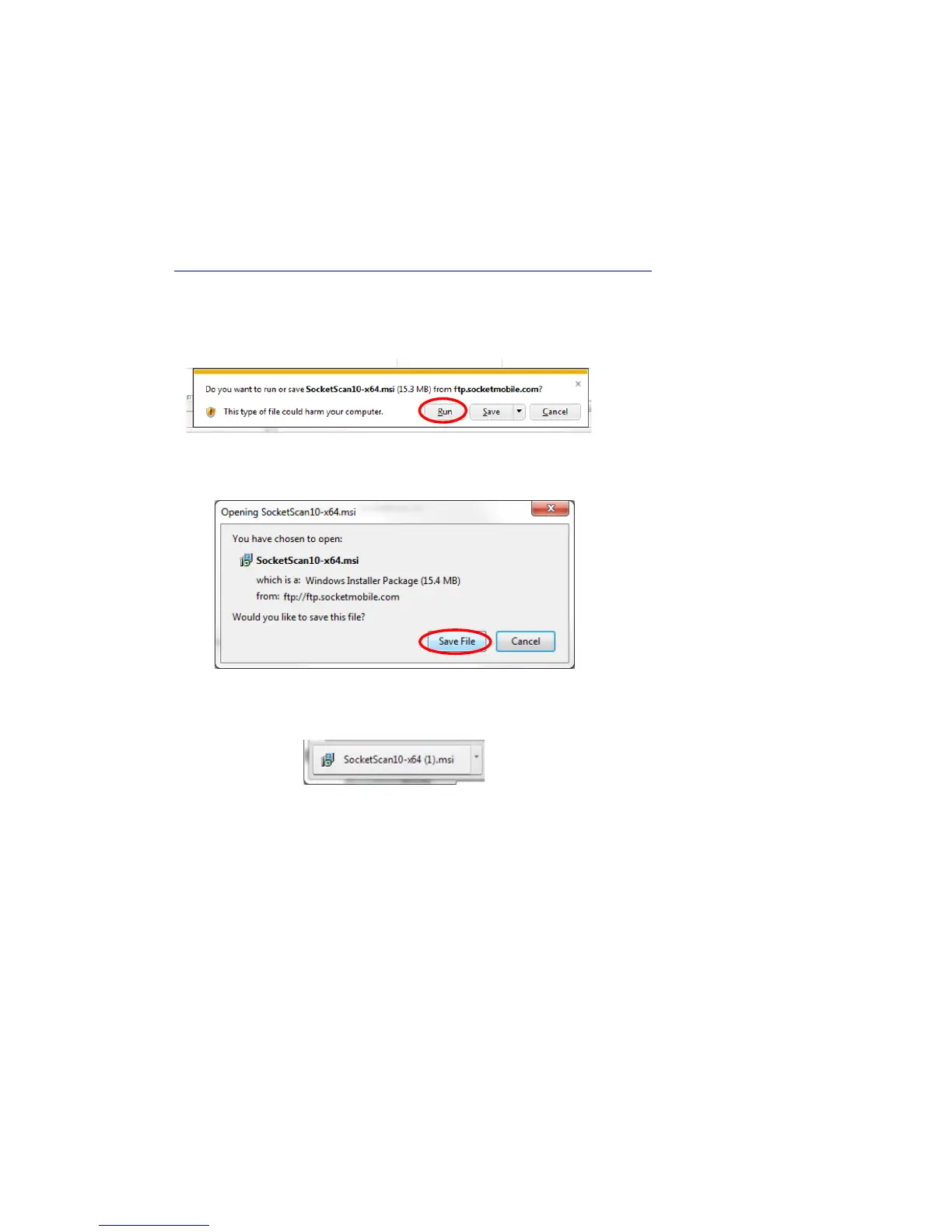
4. Download and run the installation file.
Internet Explorer: in the Security Warning screens, click Run. In the next screen, click Run.
Firefox: Click Save File. In the Downloads list, double-click on the SocketScan10-x…msi file.
In the warning screen, click Run.
Chrome: Click on the button for the SocketScan10-x…msi file at the bottom of
Chrome. In the Security Warning screen, click Run.















 To Next Page