70
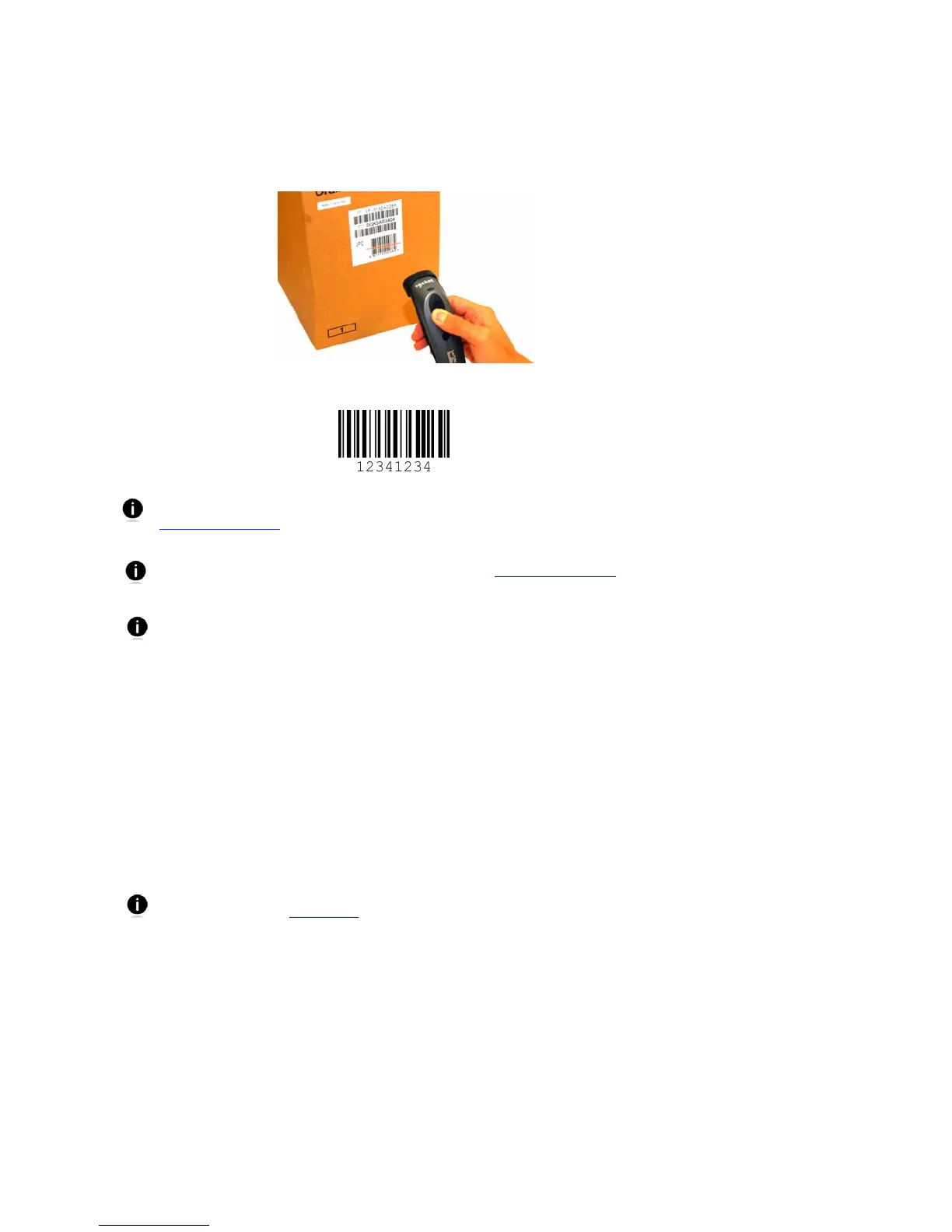
To scan barcodes:
1. Open your application. Place the cursor where you want to enter data.
2. Press the trigger button to scan a barcode. Make sure the aiming beam extends across
the entire width of the barcode.
For example, try scanning the following barcode:
After data is read and sent to the computer, by default, the CHS will beep once
and vibrate, the LED will flash green, and the beam will turn off. You can use the
Command Barcodes
to modify the beep / LED / vibrate settings.
By default, a carriage return is applied after scanned barcode data is entered. To
disable the automatic carriage return, you can use the Command Barcodes
(use
the Data Editing barcode for disabling suffixes).
If no data is read in a few seconds, the beam will turn off, and you must try again.
To Disconnect: Turn off the CHS. Press and hold the power button for at least 3
seconds, until the CHS beeps twice (high-low) and the blue LED turns off.
Automatic Reconnection:
After you power on the CHS, it will automatically try to connect to the last device it
paired and connected to. Make sure your device is in range with Bluetooth enabled.
If the CHS is connected to your device and gets disconnected, it will try to reconnect for a
few minutes. Make sure the device is on and in range. If the CHS cannot reconnect, you
will hear a long beep. Turn off the CHS and then turn it back on to restart the
reconnection process.
The CHS can only be paired with one device at a time. To use the CHS with a
different device, see Appendix F
for unpairing instructions.















 To Next Page