CHAPTER 6: SETUP FOR SOCKET SOMO 71
OPTION 2: USING THE CHS IN SPP MODE
These instructions are based on the SoMo 655 with Windows Mobile 6.5 Service Pack 2.
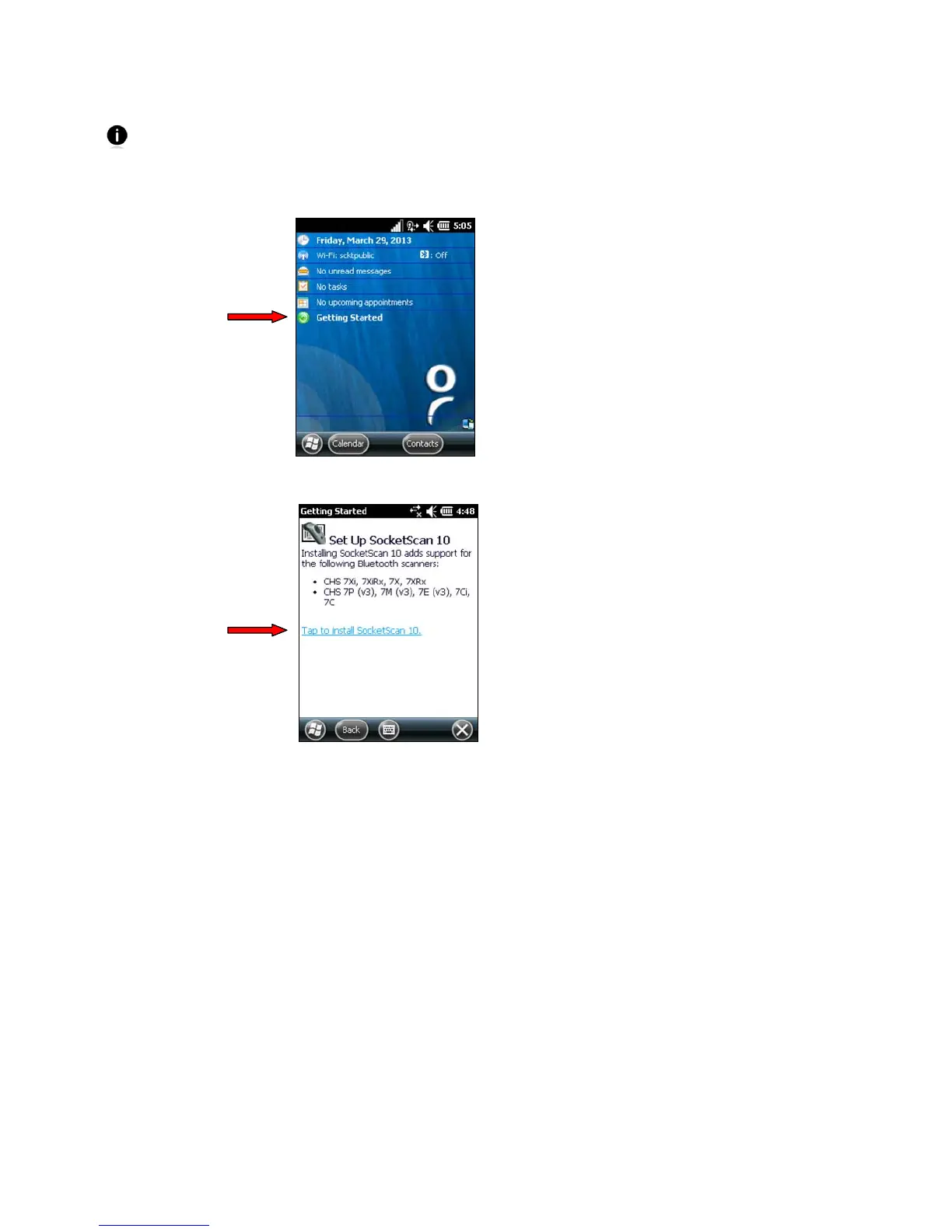
To install SocketScan 10 software on the SoMo:
1. In the Today screen, tap Getting Started.
2. Tap Set up SocketScan 10. In the next screen, tap on the link to install.















 To Next Page