CHAPTER 7: SETUP FOR BLACKBERRY 91
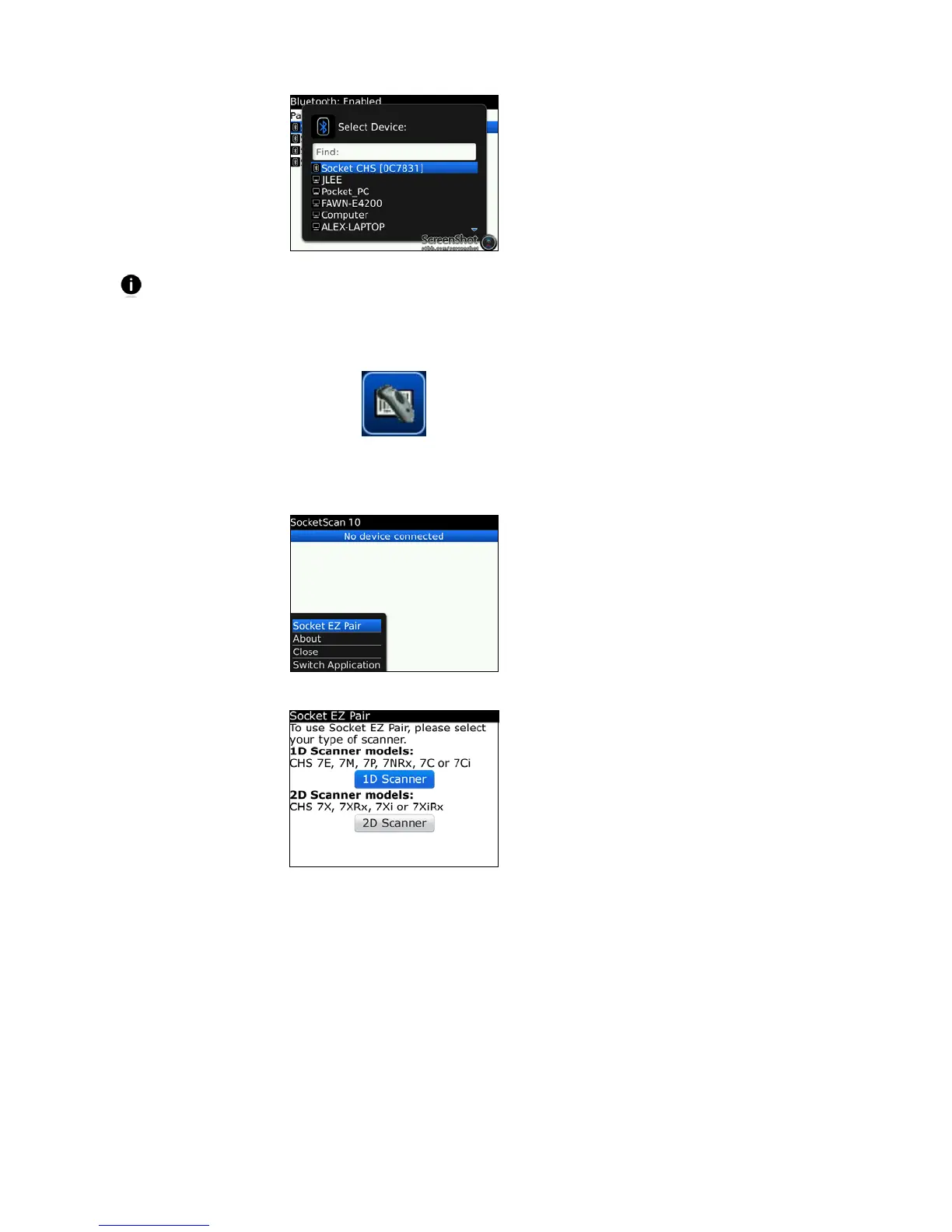
The characters in brackets are the last six characters of the Bluetooth Address,
which is printed on a label inside the battery compartment.
7. If prompted for a passkey, enter 0000 (four zeroes).
8. In the Home screen, click Downloads | SocketScan 10.
9. If asked if you want to grant trusted application status, click Yes.
10. In SocketScan 10, click Menu | Socket EZ Pair.
11. Click 1D Scanner.
12. If prompted, select your CHS.
13. After they pair and connect, the CHS will beep once to confirm the connection, then
beep twice to signal a disconnection. Click Menu | Close to close Socket EZ Pair.















 To Next Page