DATA MODE - FOR SPP MODE ONLY
All Bluetooth Connection Modes OK.
Advanced users only.
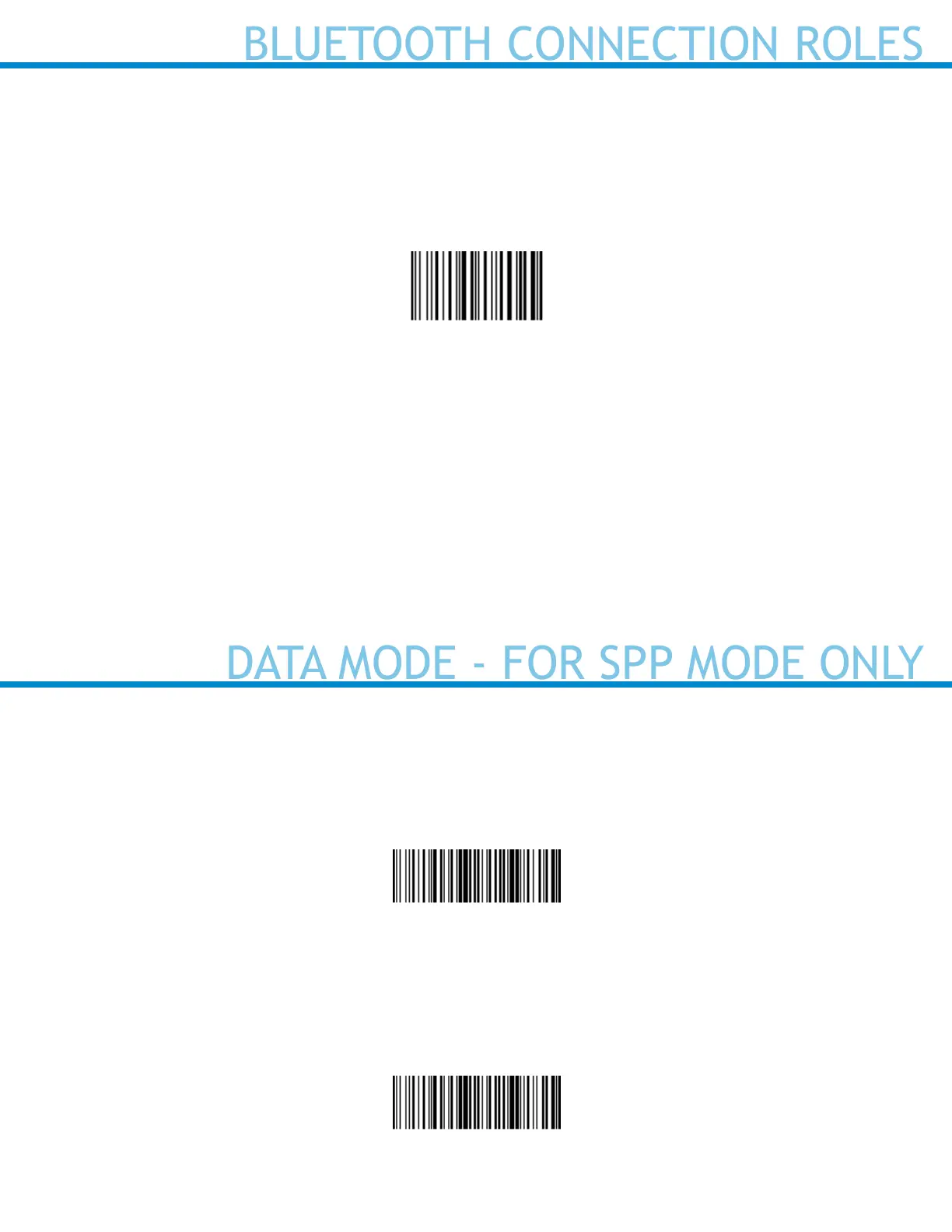
Packet Mode (default)
Congures the scanner to transmit decoded data in packet format.
#FNB013401#
Raw Mode
Congures the scanner to transmit decoded data in raw (unpacketed) format. Do not scan this barcode in
Application Mode (MFi-SPP).
#FNB013400#
10
BLUETOOTH CONNECTION ROLES
Scan only with scanner in Application Mode (SPP) or Application Mode (MFi-SPP)
Advanced users only.
Acceptor (default)
Congures the scanner to accept a Bluetooth connection puts the scanner in discoverable mode.
#FNA#
Initiator
Congures the scanner to initiate a connection to a computer/device with the Bluetooth Device Address
specied in the barcode.
The barcode must be formatted in Code 128 and contain the data #FNIaabbccddeeff# such that aabbccd-
deeff is the Bluetooth Device Address of the computer/device you want to connect to the scanner. Re-
quired for Windows when using SPP mode.
You must create a custom barcode for each computer/device that you want to connect to the scanner.
Use barcode generating software or website (e.g., http://barcode.tec-it.com))















 To Next Page