INSTRUCTIONS: Scan command barcode(s) to quickly congure the barcode scanner.
Make sure the scanner is not connected to a host computer or device before scanning a
command barcode!
To use the scanner on multiple hosts, perform the unpair sequence.
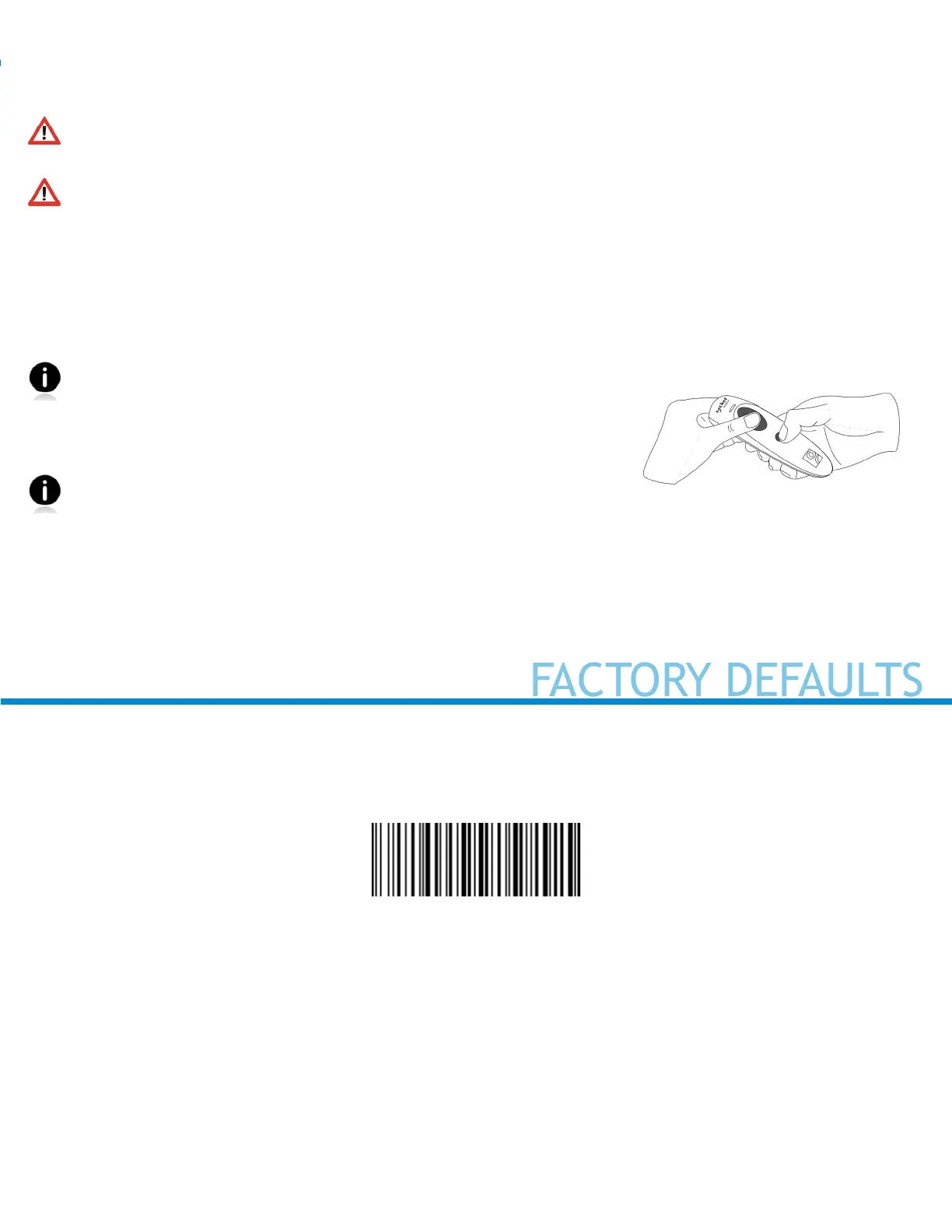
1. Power on the scanner.
2. Press and hold down the trigger button.
3. Press and hold down the power button.
4. After you hear 3 beeps, release both buttons.
*NOTE: You may have to “Forget” or “Delete” the pairing on your host device, as well.
By default, the scanner is in Basic Mode (HID) as a Keyboard device.
For scanners in Application Mode (SPP) or Application Mode (MFi-SPP), you can alternatively cong-
ure some settings by using the Scanner Settings app. You can download the app from iTunes, and Google
Play.
3
Factory Reset
Congures the CHS to revert all settings to factory defaults. The CHS powers off after scanning this bar-
code.
#FNB00F0#















 To Next Page