14
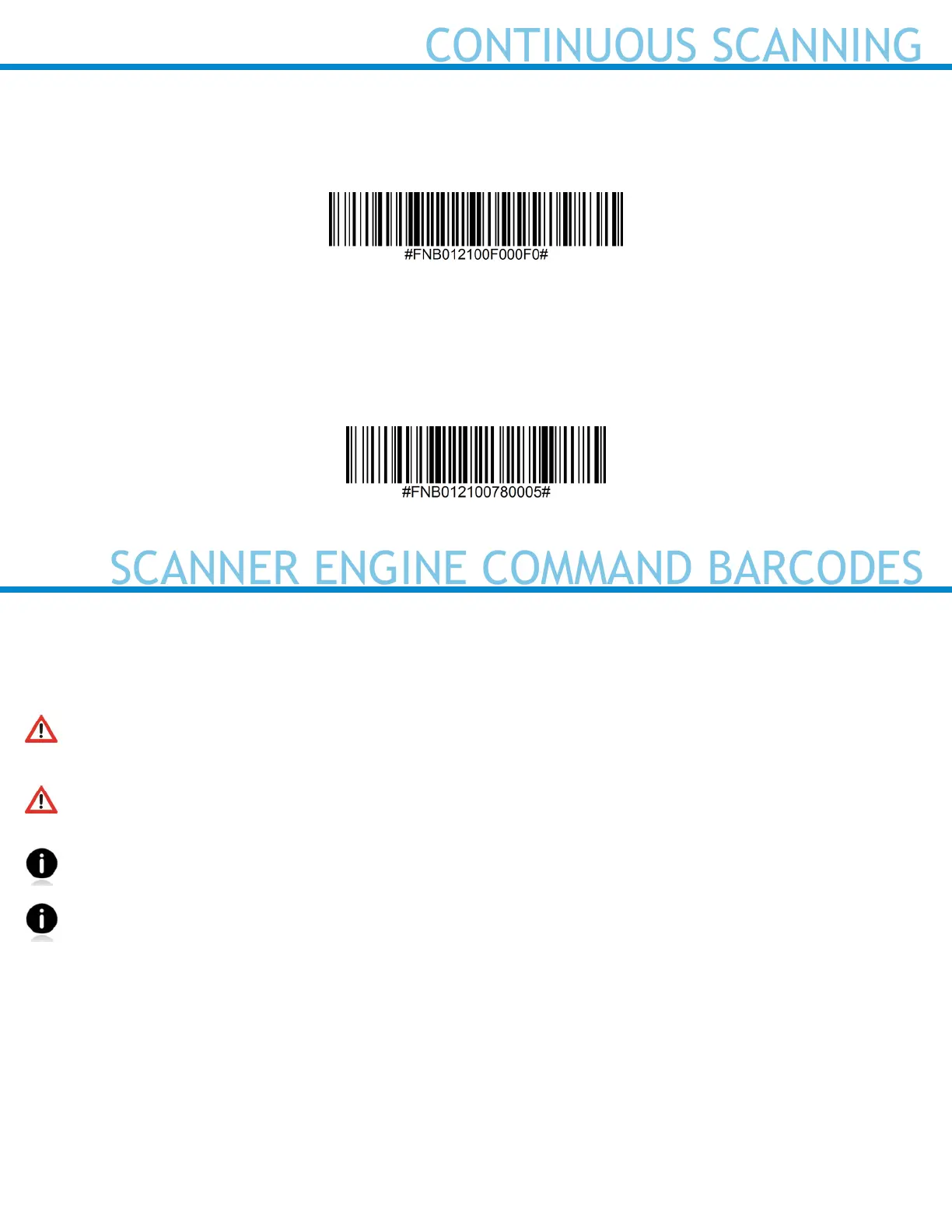
Continuous Power for 4 hours*
Scan Barcode to congure the scanner to remain on for 4 hours.
Return Scanner to Default Setting
Turns the scanner off when it is not in use – 3 to 5 minutes after being disconnected from host device.
SCANNER ENGINE COMMAND BARCODES
Advanced Scanner Congurations
INSTRUCTIONS: Scan command barcode(s) to quickly congure the barcode scanner.
Make sure the scanner is not connected to a host computer or device before scanning a command
barcode!
To use the scanner on multiple hosts, perform the unpair sequence. For instructions, see User’s
Guide.
By default, the scanner is in Basic Mode (HID) as a Keyboard device.
Cover adjacent barcodes before scanning a command barcode to prevent scanning the wrong code.
For further assistance, contact technical support:
Create a ticket at https://support.socketmobile.com
Telephone: 800-279-1390
Worldwide: +1 (510) 933-3020















 To Next Page