1111
AUTOMATIC RECONNECTION SETTINGS
All Bluetooth Connection Modes OK.
Important! After scanning this command barcode, power off and power on the scanner to make sure it is
congured properly.
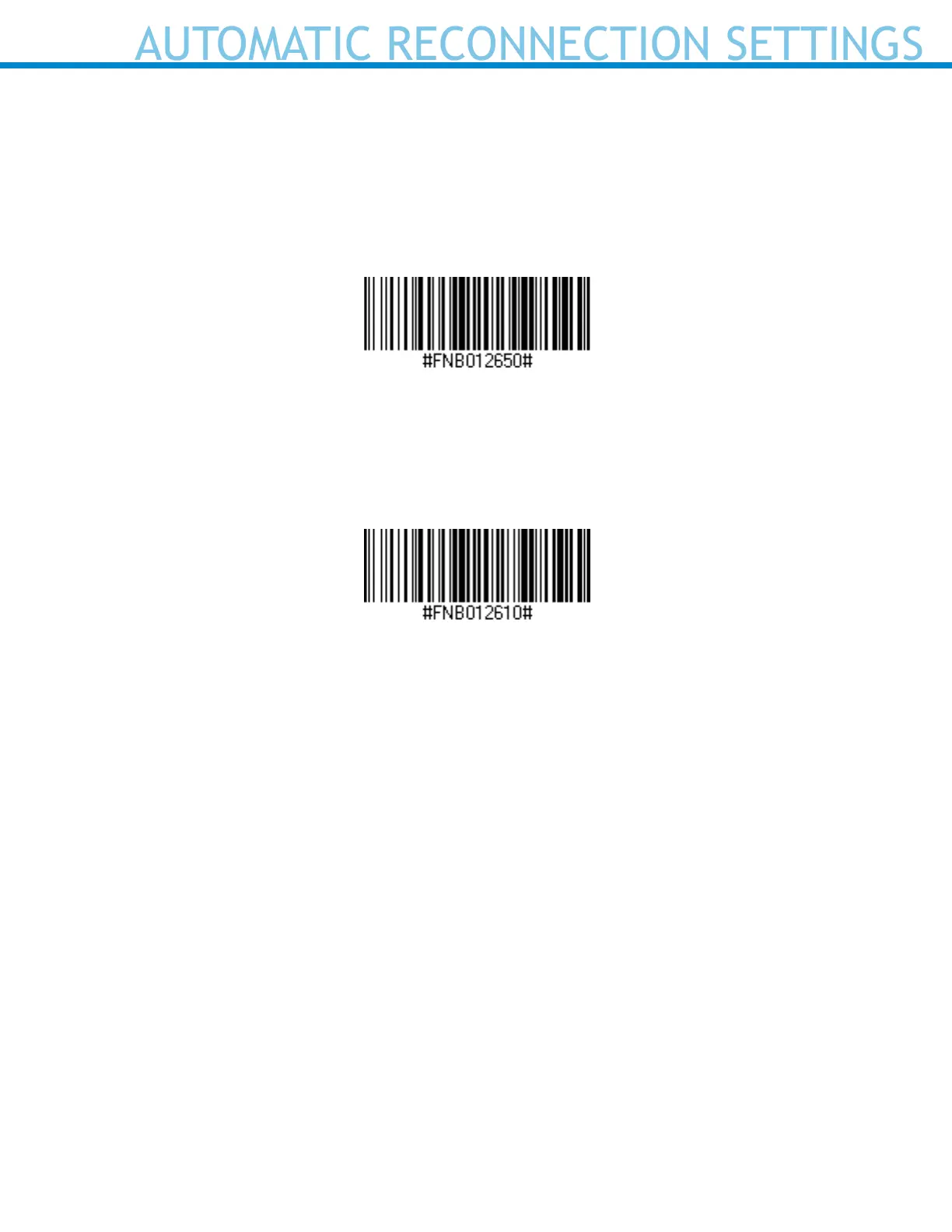
Enable Automatic Reconnection from scanner (default)
Congures the scanner to automatically initiate a connection to the last paired computer/device after the
scanner is powered on.
Disable Automatic Reconnection from scanner
Congures the scanner to wait for a computer/device to initiate a Bluetooth connection after the scanner
is powered on.















 To Next Page