6
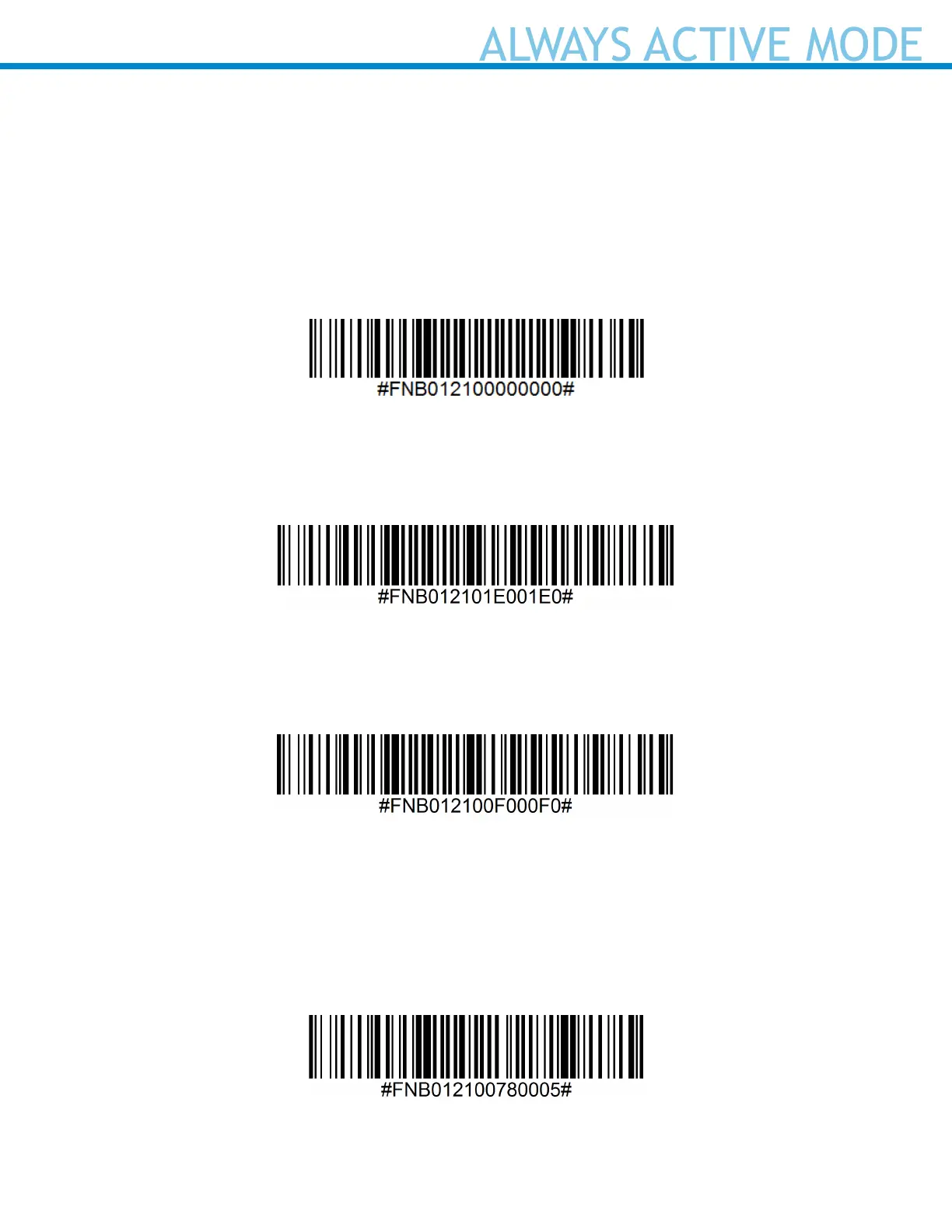
Scan one of the barcodes below and recongure the scanner to remain on longer.
Note: Turn off the host device’s Bluetooth prior to scanning one of the alternate timer barcodes. Then
turn the Bluetooth back on.
Power cycle the scanner (turn off/on).
Scanner Always On*
Congures the scanner to never power off.
Continuous Power for 8 hours*
Scan Barcode to congure the scanner to remain on for 8 hours.
Continuous Power for 4 hours*
Scan Barcode to congure the scanner to remain on for 4 hours.
*These settings drain the battery faster. It is assumed you will charge the scanner within a 24-hour
period or overnight. If you don’t, the scanner’s battery will drain completely.
Return Scanner to Default Setting
Turns the scanner off when it is not in use – 3 to 5 minutes after being disconnected from host device.















 To Next Page